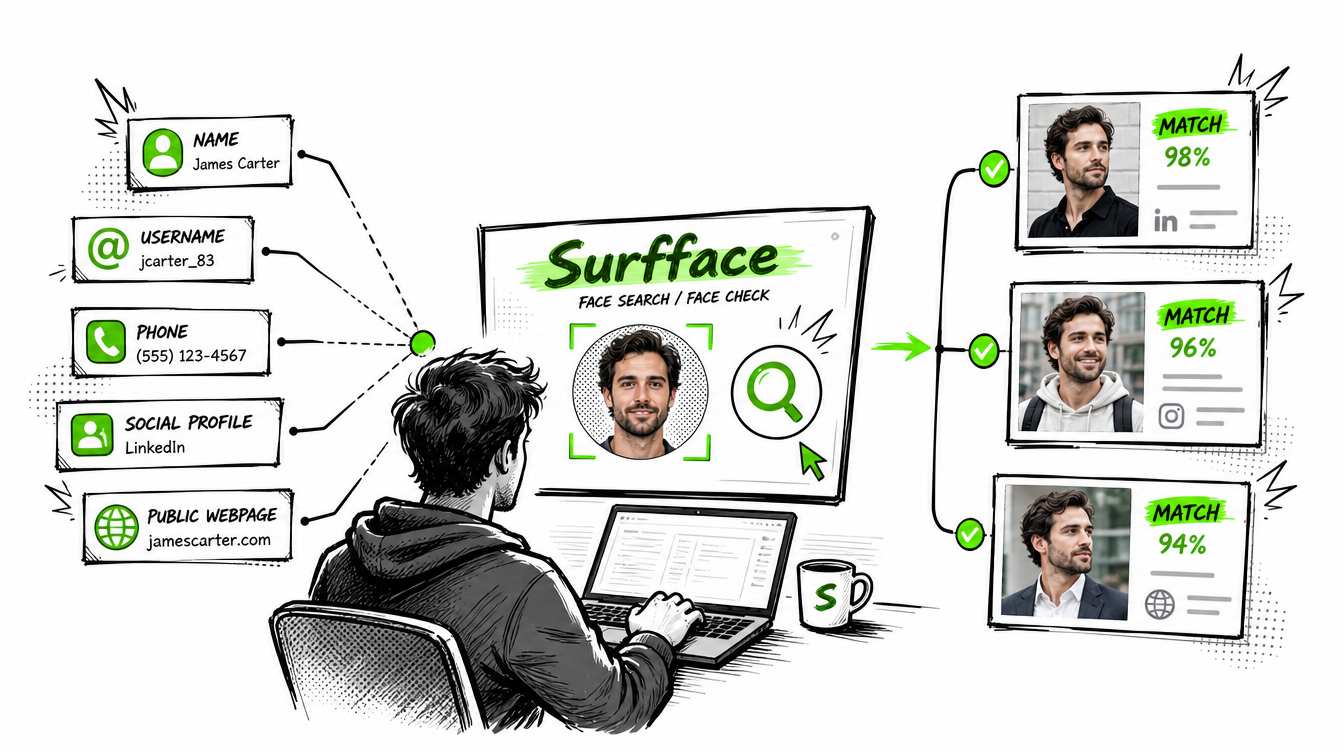
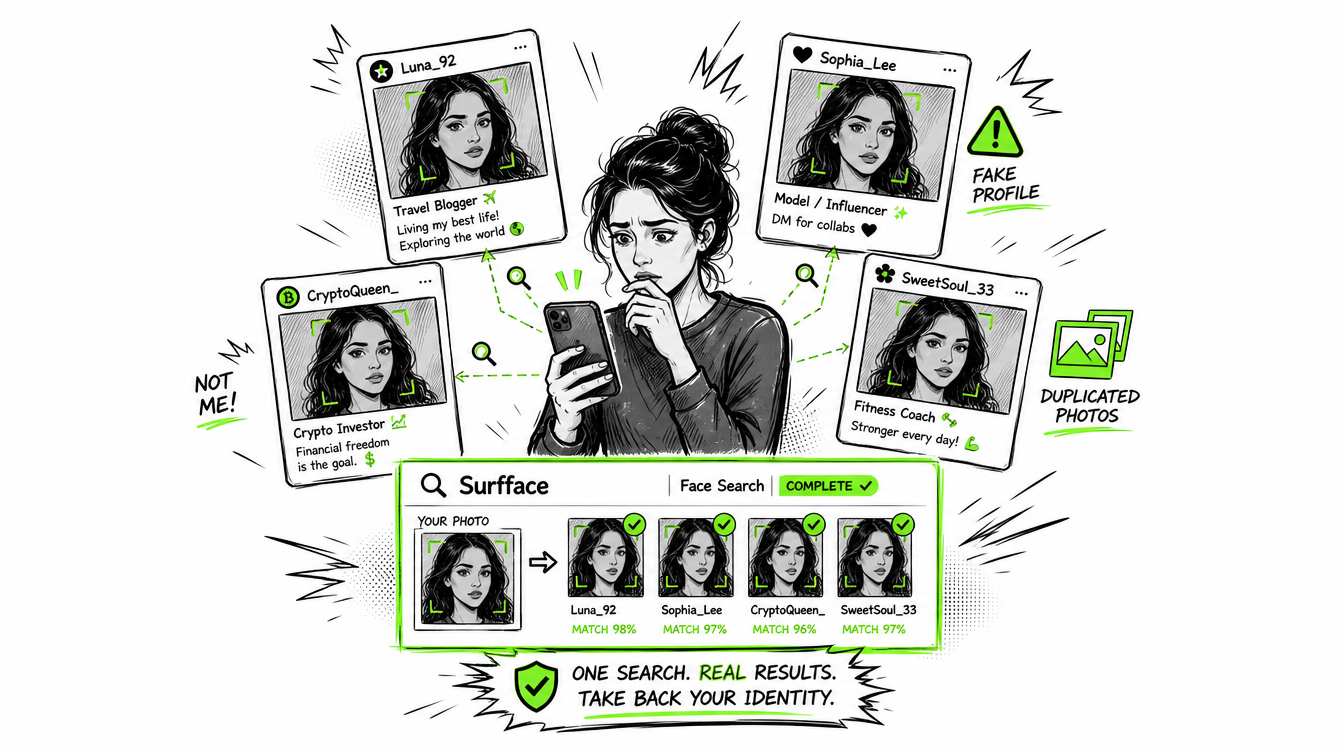
Face Lookup: Search the Web Using Only a Face
Stanley Wiggins
July 4, 2026
5 min read
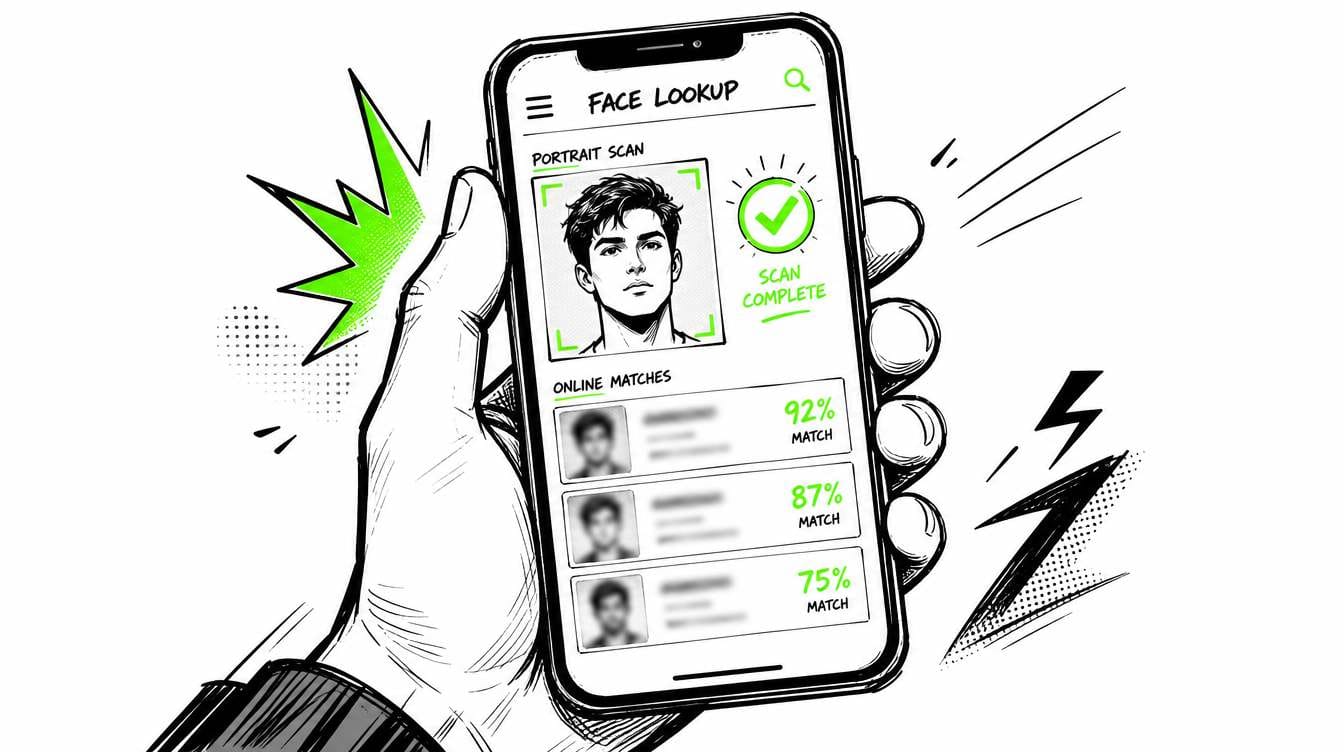
A face lookup (a lookup by photo) allows searching the open web by photo as opposed to by name. It helps you search by face to check where a face appears online, whether a profile photo has been reused or whether the same person appears across public websites, social profiles, news pages or available public records.
This is more sophisticated than a simple photo search. Standard reverse image searches aim to find the same picture or similar images. Face lookup focuses on the person in the image, which matters when the same face appears in a different photo, angle, crop, hairstyle or background.
For a quick check, free image search tools like Google Images can help. For more powerful discovery without manual efforts, just go for any best face finder for person lookup by photo, like Surfface.
Face lookup vs photo lookup
A photo lookup usually searches for the image file itself. It may find exact copies, edited versions or pages where the same image appears. Tools like Google Images, Bing Images, Yandex Images, and TinEye can help with this.
A photo lookup person search is more difficult. If the same person appears in a different photo a generic reverse image search tool will not pick up on it because the files are different, even if the face is the same.
A face finder is designed specifically for this purpose. It "flattens" faces across different images and extracts any potential matches. Which gives you more bang for your buck when you are not necessarily looking for a duplicate image, but rather a potential subject.
That distinction matters because not every image search tool is built for the same job. Some tools are better for finding copies of the same photo, while others are better for finding where the same face may appear across different images.
How to look up a person by photo
You can search by face online, but the outcome varies depending on the service you use, photo quality and other individuals’ available info on social networks.
There are three primary options for person lookup by photo.
- Reverse image search. This is great for locating exact or a close duplicate of the same image.
- General image search, such as Google Images/Lens or Yandex Images (we don't recommend Bing Images.) These tools can sometimes find public pages, similar images, social profiles or media results. They are free and worth testing, but results can be inconsistent.
- An actual face lookup tool like Surfface or another specialized face finder. These tools are designed specifically for searching faces, not only image files. They are usually more effective when you want to lookup by photo and review possible public matches in one place.
Best way to run a face lookup
Start with the clearest photo you have. A front-facing image usually works best. Avoid photos where the face is small, blurry, heavily filtered, covered by sunglasses, turned away from the camera or blocked by shadows.
Try multiple images if you have a set, one picture may give weak results although another will find better ones. A clean face crop is sometimes good, but random image search engines like Google Images often will find better matches if the wider crop shows some of the person's clothing or background.
To get started for free, begin with Google Lens/Images and Yandex Images. Be willing to upload your image, try multiple crops, and compare manually.
For a deeper search by face, use a specialized face lookup tool. Surfface is built to search public web results by face and organize possible matches across public sources. This helps you, the researcher, cut down the digging labor of uploading the same image to various search engines.
How Surfface helps with face lookup
Surfface is a face search engine built to help users search public sources by photo. It maintains its own face search index and utilizes third-party discovery tools on the backend. Thus, it is a good beginning point when you want to go beyond a simple image copy search.
With Surfface, you can upload a photo and search for possible face matches across public websites, social profiles, news pages, and available U.S. public-record sources. For U.S.-focused searches, Surfface also has dedicated public-data pipelines for registered sex offender sources, mugshots and criminal-record related sources, where available.
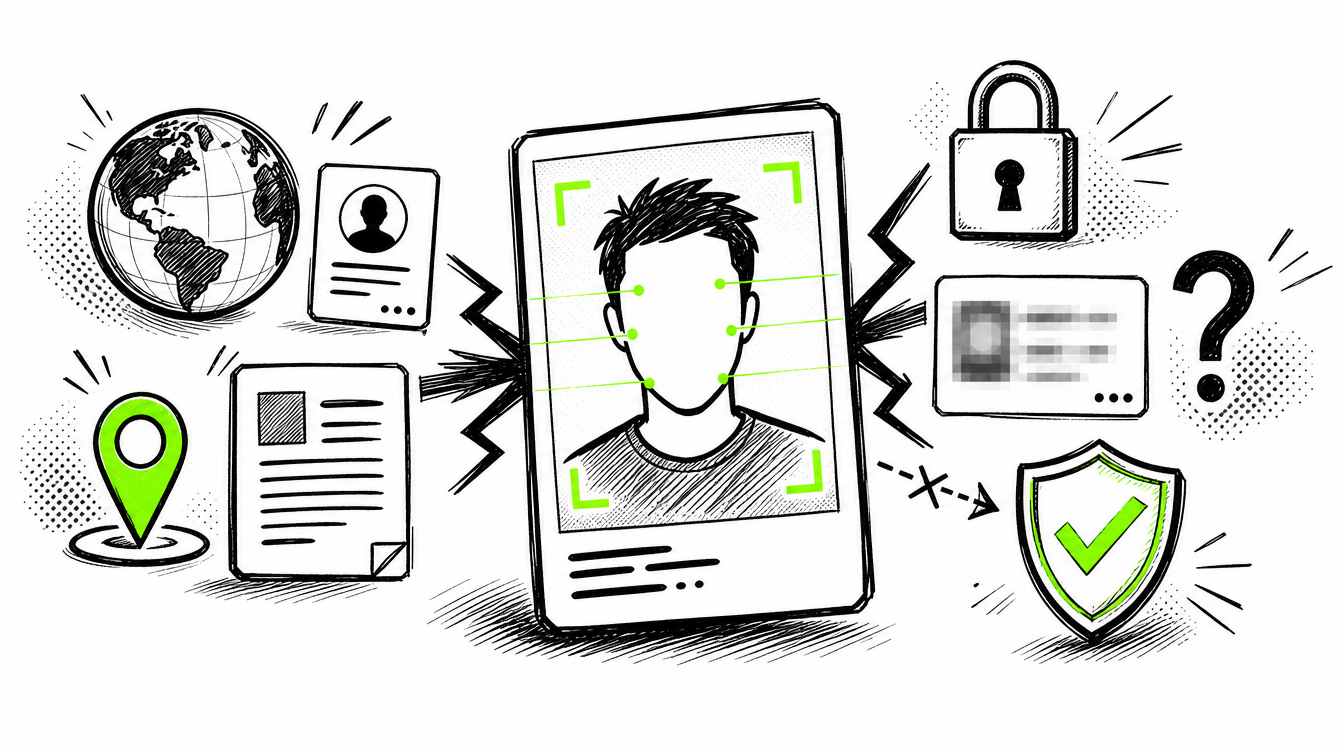
No face lookup tool can guarantee complete results. Public web coverage is never perfect. Some profiles are private, some pages are not indexed, and some images are too low quality to match reliably. Still, a dedicated face finder gives you a stronger process than checking one search engine at a time.
What to use
Free tools are useful when you only need a quick photo lookup. Google Lens/Images and Yandex Images can help find reused profile photos, public image copies, and some indexed pages.
The limitation is that free tools don't do the job when you are looking up a real person by photo. You might not get the same result when there is a different crop, angle, background or view, of the same face in the same profile. For that, you need a true face finder.
Use free tools for basic photo lookup tasks. Use a specialized face lookup tool like Surfface when the result matters and you want to find public results connected to the same person, not just copies of the same image.
Q&A

Stanley Wiggins
Stan leads product marketing at Surfface, bringing a mix of experience in OSINT and private investigations, along with expertise in digital marketing and product management.