What Does a Cyber Background Check Show and How Long Does It Take?
Stanley Wiggins
August 20, 2026
5 min read
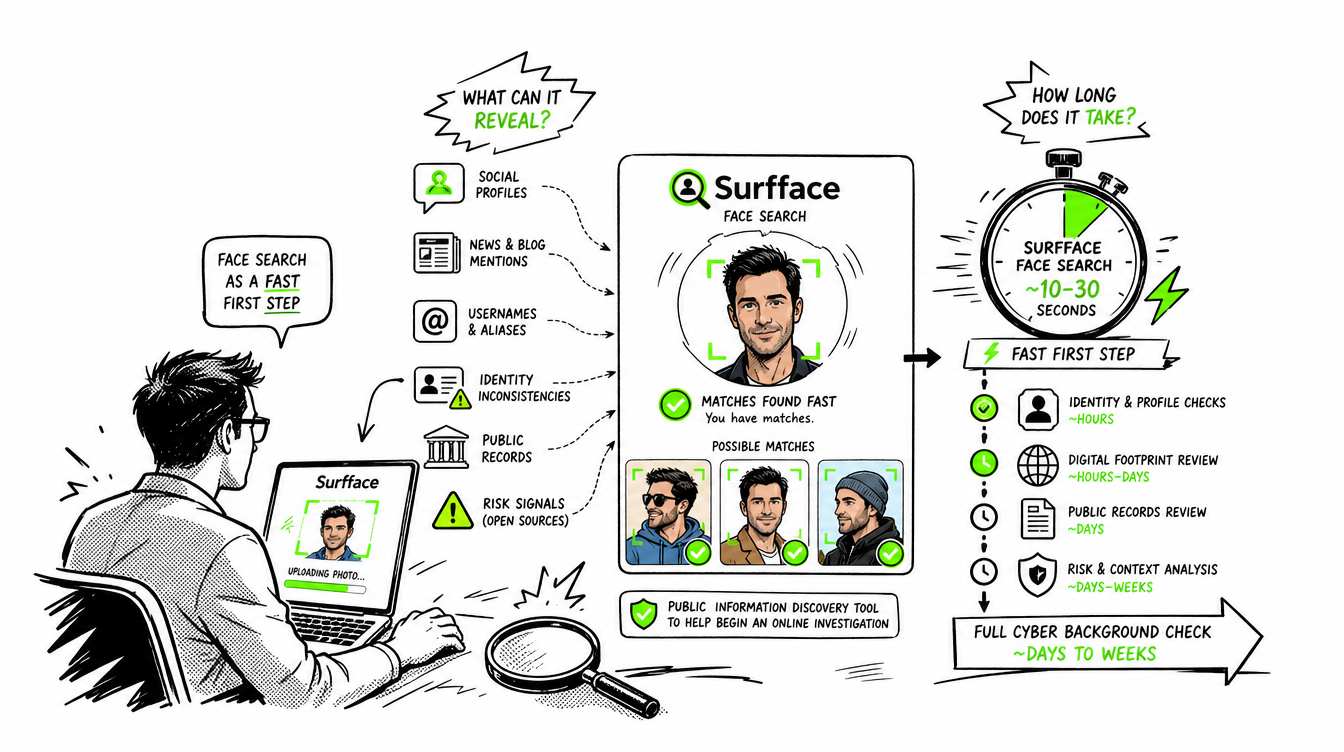
A cyber background check reviews a person’s publicly available online footprint. It may reveal social media profiles, news mentions, reused photos, professional history and public records. Most basic cyber background checks take a few minutes. A deeper review may take several hours or days. If you only have a photo, a face search with Surfface is often the easiest place to start.
Before trusting someone you met online, doing business with a new contact or meeting a stranger in person, it can help to check what public information exists about them. This process is often called a cyber background check.
Unlike a traditional background check, a cyber background check focuses on a person’s digital footprint. It connects information from public profiles, websites, news articles, images and other online sources.
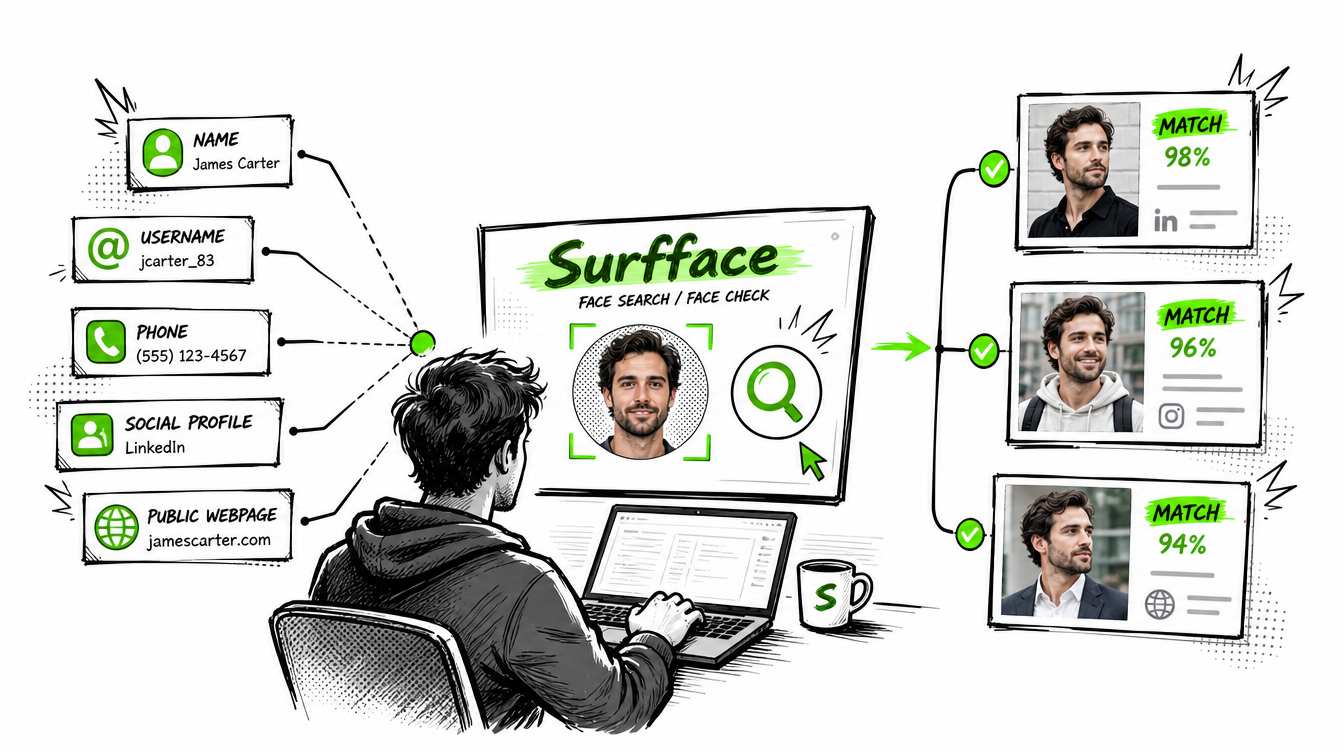
You can start with a name, email address, phone number or username. But what if all you have is a photo? That is where face search becomes especially useful.
What is a cyber background check?
A cyber background check is a review of publicly accessible information about a person online. Its purpose is to find clues that may help you confirm an identity, detect inconsistencies or identify potential safety concerns.
Cyber background checks can include:
- Public social media profiles
- Photos published across different websites
- News and blog mentions
- Professional profiles
- Public usernames and contact information
- Mugshots and criminal records where publicly available
- Registered sex offender records
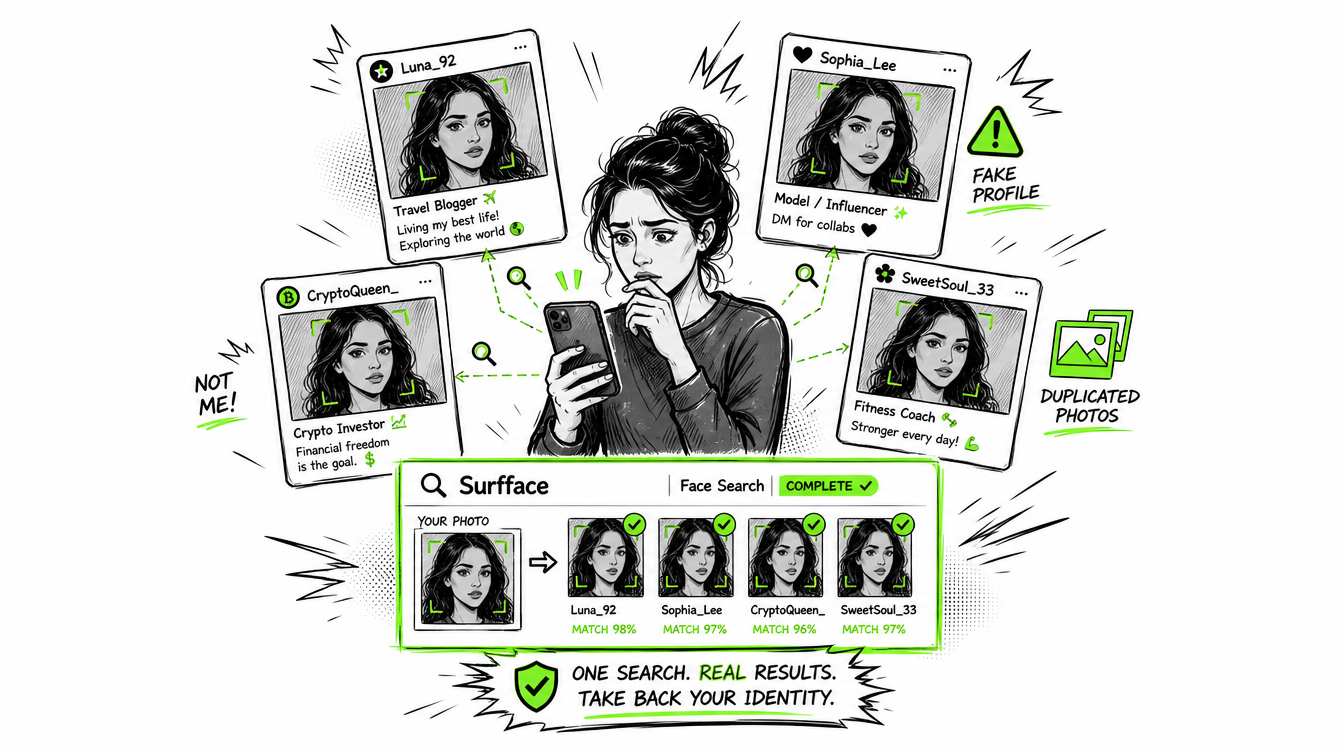
- Signs of catfishing or online impersonation
- Conflicting names, ages, locations or biographies
A cyber background check is usually broader than simply typing someone’s name into Google. A useful search combines multiple inputs and compares information across different sources.
For example, a person may use one name on a dating app and another on Instagram. Their photo may also appear on TikTok, LinkedIn, a company website or an old news article. Each match adds context.
Cyber background check service providers
No single provider searches every type of information. Smart background checks often combine a face search with a traditional people-search service.
These services serve different purposes. Surfface helps answer, “Where does this face appear online?” A people-search provider may help answer, “What public information is connected to this name, phone number or address?”
Many users start with Surfface to find a possible name or profile. They then use Spokeo, TruthFinder, BeenVerified or another provider to search the newly discovered details.
Service coverage, pricing and data availability can change. Review each provider’s current terms before using it.
Cyber background check vs traditional background check
A traditional background check usually searches structured records linked to verified identifiers such as a full name, date of birth, Social Security number or address. It may be used to verify criminal history, employment, education or identity.
A cyber background check starts with whatever information you already have. This could be a photo, username, email address or partial name. It focuses on public online activity and connections between sources.
Surfface is a public-data face search engine. It is not a consumer reporting agency, data broker, screening service or official criminal background check provider.
Do not use Surfface or ordinary people-search results to make decisions about employment, housing, credit, insurance or other regulated matters.
How to run a cyber background check
1. Start with a face search
Upload a clear photo to Surfface. Avoid blurry images, heavy filters, sunglasses and extreme angles.
The face search usually takes 1 to 3 minutes, making it a fast first step even when you have no reliable name.
2. Review possible matches
Compare the face, approximate age, profile information and source context. Do not rely on a similarity score alone.
Ask:
- Does the face appear to be the same person?
- Is the name consistent with what you were told?
- Do the age and location make sense?
- Does the same face appear under different identities?
- Are there any public safety records that require verification?
3. Open the original sources
A thumbnail is only a lead. Visit the source page and review the available context.
Check publication dates because an old profile or record may no longer reflect the person’s current situation.
4. Search any new details
If face search reveals a possible name, username, employer, phone number or location, use those details in Google and reputable people-search services.
This layered method is more effective than expecting one tool to provide a complete answer.
5. Verify important findings
Confirm serious criminal or registered offender information through official government sources. If appropriate and safe, ask the person directly about ordinary inconsistencies.
How long does a background check take?
A Surfface face search typically takes 1 to 3 minutes.
A basic cyber background check using face search, search engines and public profiles may take 10 to 30 minutes. A deeper review can take several hours if you need to compare profiles, verify records or investigate conflicting information.
Complex cyber background checks may take several days when:
- The person uses multiple names
- Public information is limited
- Profiles are private or deleted
- The person has a common name
- Records need official confirmation
- International or older sources are involved
A traditional background check commonly takes several business days. Automated database results may appear quickly while county records, employment verification, education checks or international searches can take a week or longer.
So how long can a background check take?
It may take one minute to find an initial face match, 30 minutes to review an online footprint or several weeks to complete complex formal screening.
What are smart background checks?
Smart background checks combine several search methods instead of depending on one report.
A practical workflow is:
- Search the face with Surfface
- Review public social profiles and websites
- Search the discovered name, username or contact details
- Use a people-search provider for additional leads
- Confirm serious findings through official sources
This approach reduces the chance of trusting an outdated profile, incorrect record or false facial match.
What a cyber background check cannot prove
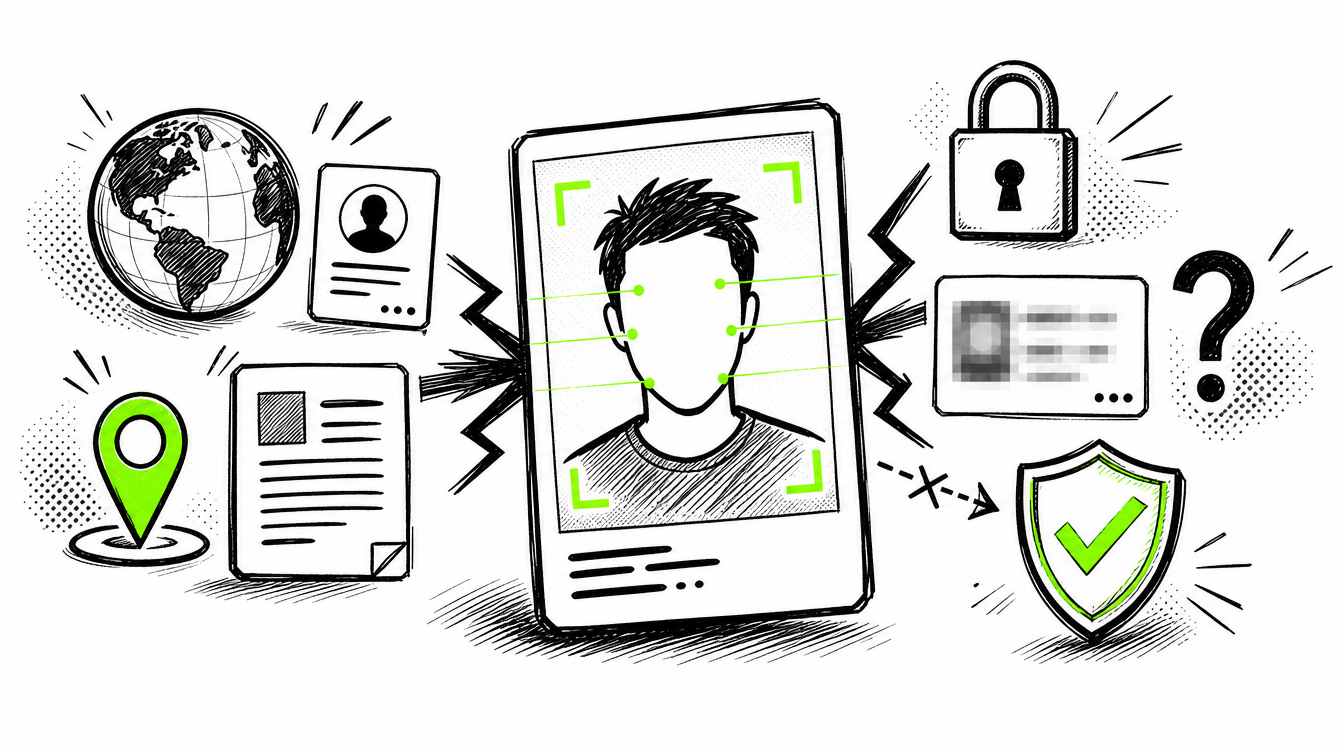
Cyber background checks have important limits. They cannot:
- Access private profiles or messages
- Guarantee that every public record has been found
- Prove that two similar faces belong to the same person
- Confirm that every online claim is accurate
- Replace an official criminal background check
- Predict whether someone is safe or trustworthy
Finding nothing is not proof that no risk exists. Finding a possible negative record is not proof that it belongs to the person you searched.
Use the results to ask better questions and decide what needs further verification.
Start with the information you have
A cyber background check is most useful when you treat it as a process rather than a single report. Start with a photo, name, username, phone number or email address. Compare multiple public sources and verify important findings.
If all you have is a face photo, start with Surfface. It can help you find where that face appears across public social profiles, websites, news sources and U.S. public records where available.
Check before you trust or meet. Stay informed and always verify serious findings through official sources.

Stanley Wiggins
Stan leads product marketing at Surfface, bringing a mix of experience in OSINT and private investigations, along with expertise in digital marketing and product management.