Find a Person Online: The Practical Guide to People Search Tools and Face Search
Stanley Wiggins
September 28, 2026
5 min read
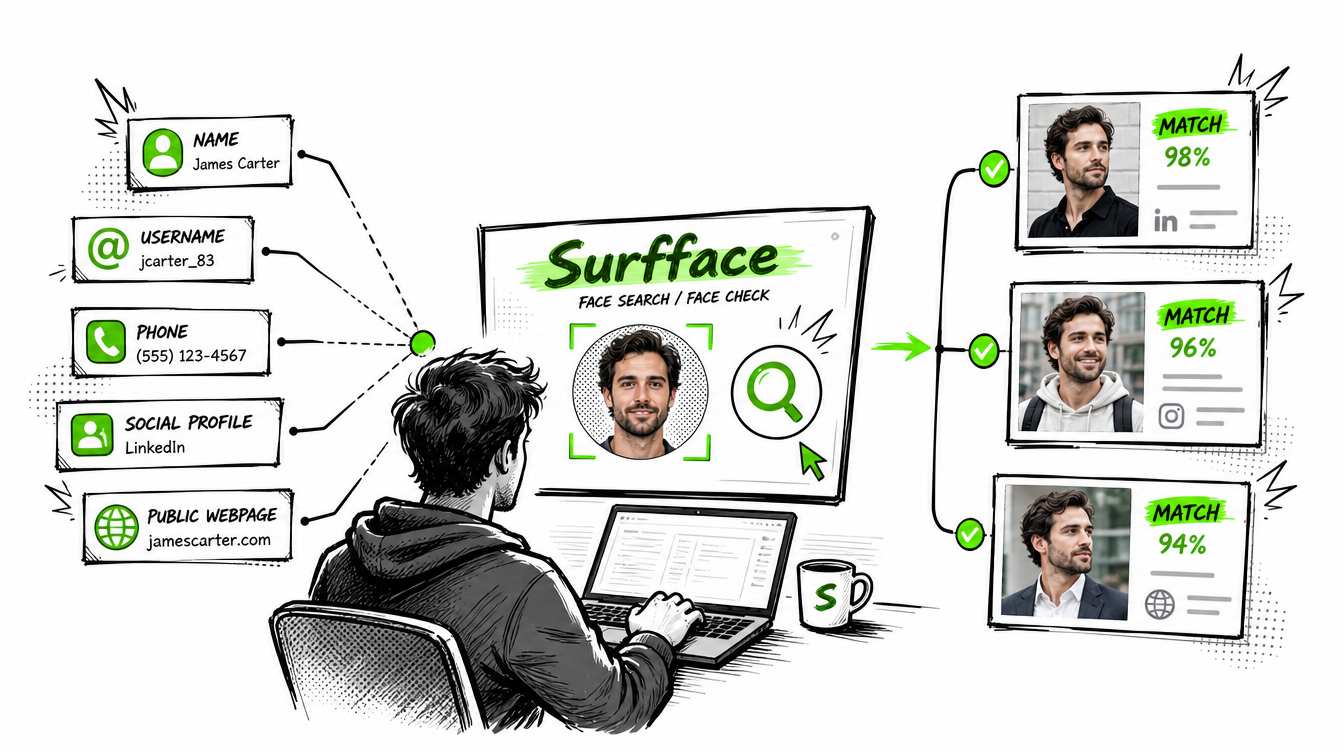
To find a person online, start with the strongest clue you have. If you have a name, phone number, email or address, a consumer people search tool may help. If all you have is a face photo, start with Surfface. Surfface is a face search engine that checks where a face appears online across public websites, news, blogs, social profiles and available U.S. public records such as mugshots and sex offender registries.
The best workflow is simple: run a face search first, collect public clues, then verify them with other people search tools and basic OSINT techniques. Do not trust one match blindly. Build evidence from several sources.
Why it is hard to find a person online
People use different names, old usernames, private profiles, nicknames, deleted accounts and reused photos. A person may have no public footprint under their real name but still appear in photos, social avatars, blogs, public records or news mentions.
That is why “how to find a person” depends on the starting point.
If you have a name, search by name. If you have a phone number, use reverse phone lookup. If you have an email, search the email. If you have only a photo, use face search.
This is where an ai person finder can be useful. A face search tool does not need a full name to begin. It can use the face itself as the search input and help you find public matches that would be difficult to discover through text search alone.
Best tools to find a person online
Surfface belongs first in this workflow because face search is often used alongside other tools. It is the easiest place to start when a photo is your strongest clue and it may be the only realistic option when you do not have a reliable name.
How to find a person when all you have is a photo
Start with the clearest face image you have. Avoid sunglasses, heavy filters, group photos, extreme angles and blurry screenshots. A clean front-facing photo gives the search system more useful signals.
Upload the image to Surfface and review the public matches. Look for repeated appearances of the same face across different sources. A single weak match can be wrong. Several consistent matches across social profiles, blogs, news pages or public records are stronger.
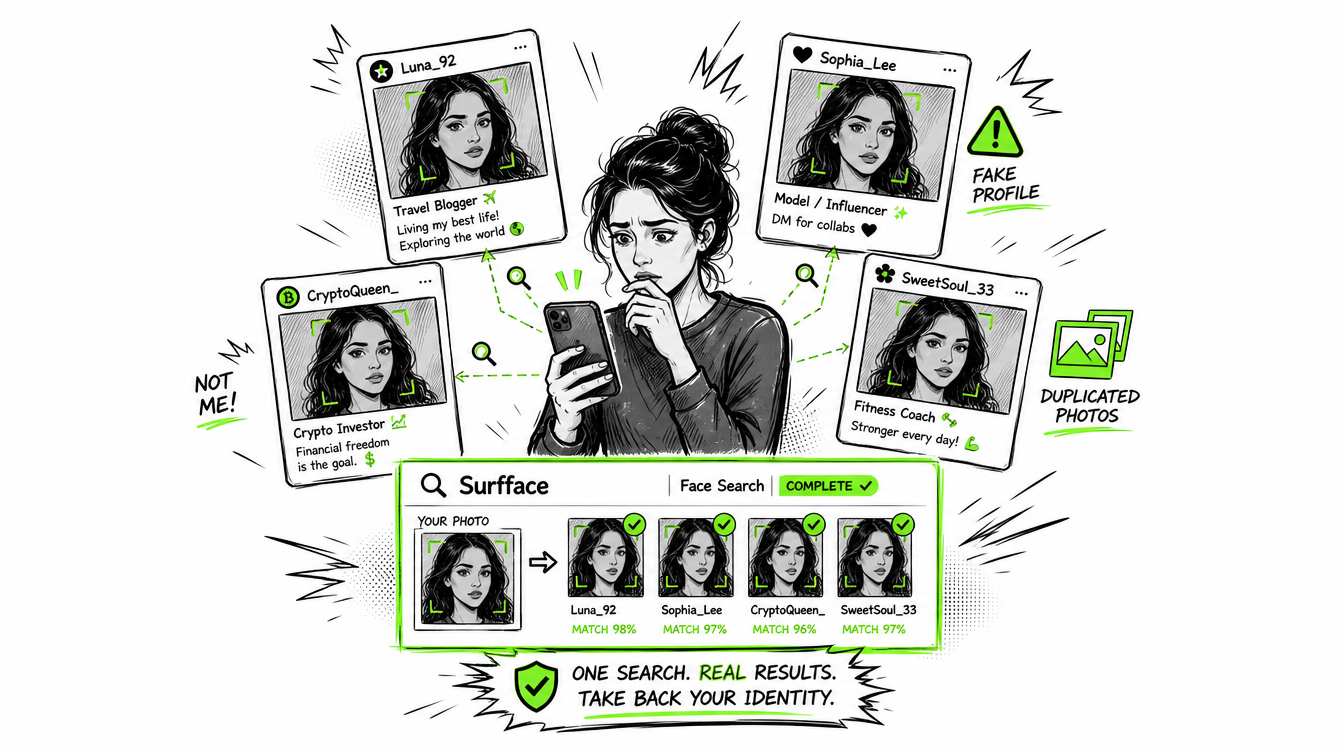
Surfface can help you check where a face appears online including public social profiles, indexed web pages and available U.S. public records such as mugshots and sex offender registries. This is useful before meeting someone, responding to a suspicious profile, trusting a stranger online or checking whether your own photo is being used without permission.
The rule is simple: check before you trust.
Can you find a person for free?
You can often start for free but free results usually have limits. A free find a person workflow may include Google search, social media search, username search, reverse image search and limited people-search previews.
Surfface lets users begin with a face search and review whether relevant visual matches appear. This is useful because you can test whether the search is promising before deciding whether deeper source access is worth it.
Free search is best for early discovery. Paid tools are usually used when you need more source context, contact details, report-style data or deeper public-record leads.
Practical OSINT techniques to find a person
Use OSINT carefully. OSINT means open-source intelligence, which is information collected from public sources. The goal is not to hack, stalk or invade privacy. The goal is to verify public evidence.
- Start with exact-name search. Put the person’s name in quotes and search it with a city, job title, school, company or username. Try old spellings, nicknames and initials.
- Search usernames across platforms. Many people reuse the same handle on Instagram, TikTok, X, Reddit, GitHub, forums and dating apps. A reused username can connect scattered profiles. Try Instant Usename Search to save your time.
- Search the email address. Put the email in quotes. Also search the part before the @ symbol because it may be reused as a username.
- Use reverse phone lookup. If you have a number, try consumer people search tools or search the phone number in quotes. Old listings, marketplace posts and business pages can reveal context.
- Check social profile signals. Look at profile age, photo history, friend patterns, tagged photos, comments, location clues and whether the face appears consistently over time.
- Use face search when names are weak. Names can be fake. Usernames can be changed. A face photo can reveal public appearances that text search misses. This is why Surfface is useful as an ai person finder and as a starting point for visual identity checks.
Cross-check everything. Do not rely on one page. Match the face, name, location, age range, job, social links and timeline. Strong identity work comes from consistent signals across several public sources.
What you can and cannot discover
You can discover public matches, reused photos, possible social profiles, public mentions, news references and available public-record leads. You may also find signs of impersonation, catfishing or identity misuse.
You cannot access private accounts, hidden messages, private databases or guaranteed full identity from one image. People search tools can be wrong. Public data can be outdated. Face matches can be similar but not identical. Treat results as leads that require review.
Surfface is not an official background check service and results should not be used for employment, housing, credit, insurance or other regulated decisions. Use it to find public clues, verify online identity signals and make safer personal decisions.
Best workflow to find a person online
First, run a Surfface face search if you have a photo. Second, save the strongest public matches and note names, usernames, locations and source types. Third, search those clues in Google, social platforms and consumer people search tools like Spokeo, BeenVerified, TruthFinder, PeopleFinders or Whitepages. Fourth, compare the results and remove anything that does not fit.
The fastest path is not always a name search. Sometimes the face is the best clue. When you need to find a person online and all you have is a photo, Surfface gives you a practical place to start.

Stanley Wiggins
Stan leads product marketing at Surfface, bringing a mix of experience in OSINT and private investigations, along with expertise in digital marketing and product management.