Searching for a Person? Reverse Face Search vs Image Search
Stanley Wiggins
July 8, 2026
4 min read
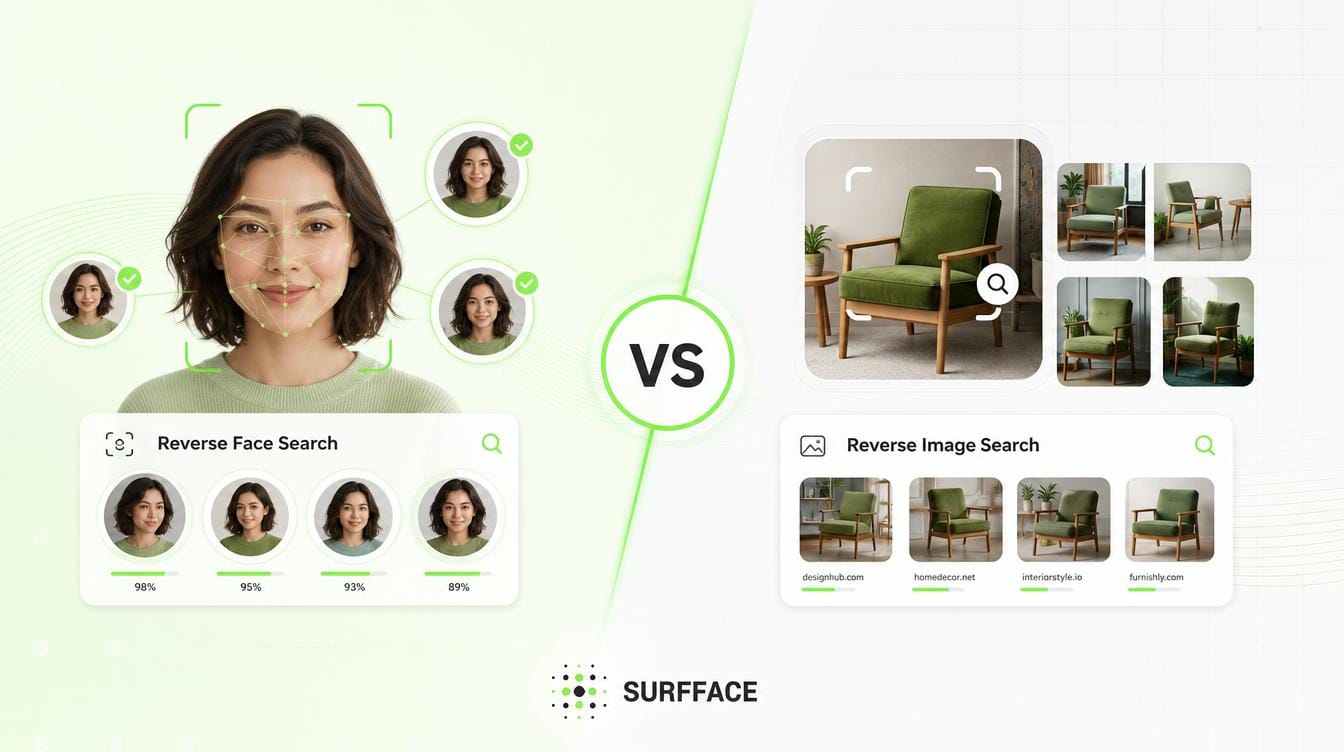
Reverse image search will help to find copies of or similar looking images to the image. Reverse face search will help to find other uses of the same person's face even if the image, background, crop, angle, hair styles or lightings are different.
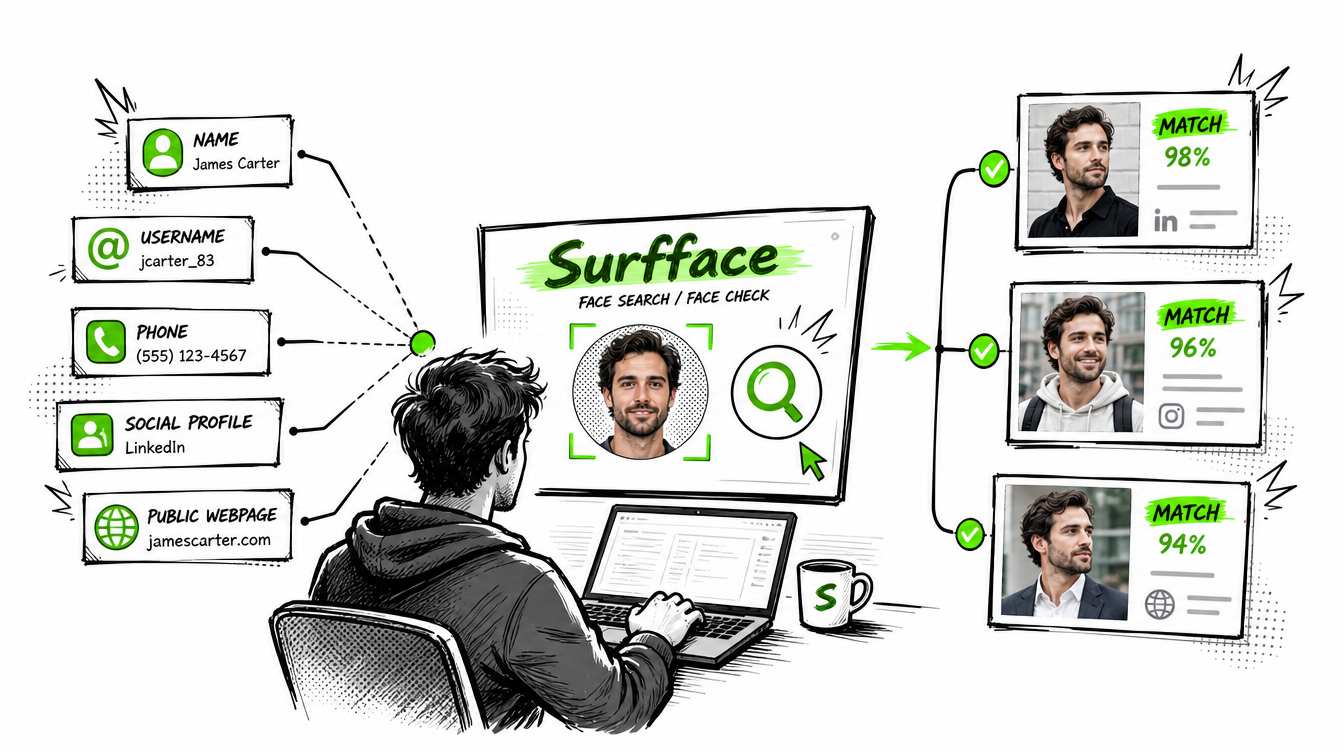
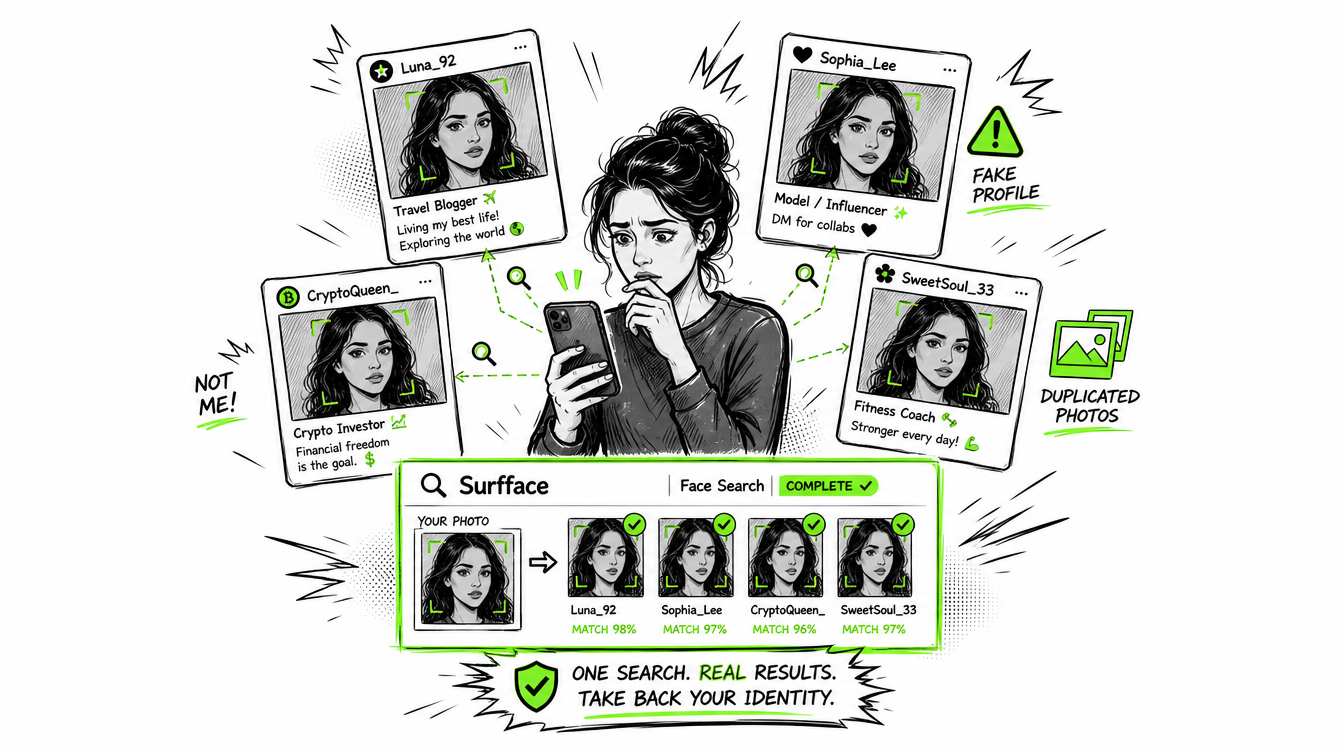
This is a crucial difference. While a reverse image search might be useful in hunting down a stolen avatar, reverse face search could tell you that the person in an image is visible on dozens of social profiles, online news stories, mugshot and registry sites or other record sites.
In almost all real cases, people do not use reverse face search to find “similar faces” or simple image duplicates. They use it to find where a specific person’s face appears online.
What reverse image search actually does
In the most basic way, reverse image search is image hash search.
This service generates a technical fingerprint of the image you upload, and then searches through other images in its index to see if it can find the same image, scaled-down version or one that has been tweaked slightly. That is the point of conventional reverse image tools.
However, this differs from reverse face search.
In a simple reverse image search, the image is viewed as a complete entire, and clues can be sourced from the entire photo, like colors, objects, such as glasses or outfits, the images, layout and structure. If the same person is shown in another complete photo, this may not be picked up.
The newer reverse image searches also employ AI. They analyze the object, scene or product, location, outfit, logo or visual pattern to quickly find matching instances in other content. To an even greater degree, this technology can-say-find the same purse in multiple images or identify reasonably similar furniture. Its powerful stuff, but it's not face recognition.
AI reverse image search can grasp visual similarity. Reverse face search is designed to comprehend identity-level facial similarity.
What reverse face search does differently
Reverse face search, also referred to as a reverse face image search, is somewhat different since it is for the face, not the image file.
A face search system uses facial recognition technology to analyze facial features in the uploaded image and compare them with faces found in indexed web images. It looks for possible matches even when the same person appears in a different photo, angle, lighting, hairstyle, crop, or background.
That's why you'll see people type in "face reverse image search," "reverse image search face," or "reverse face image search." They're actually trying to do something an ordinary image search engine doesn't do well.
Question: Can you reverse image search a face?
Yes, you can upload a face photo to a standard reverse image search engine, but the results may very well hinge significantly on that exact image or a close variant, being available online.
To make the discovery more robust, you'll need a reverse face search utility.
Reverse image search with face: Where it works and fails
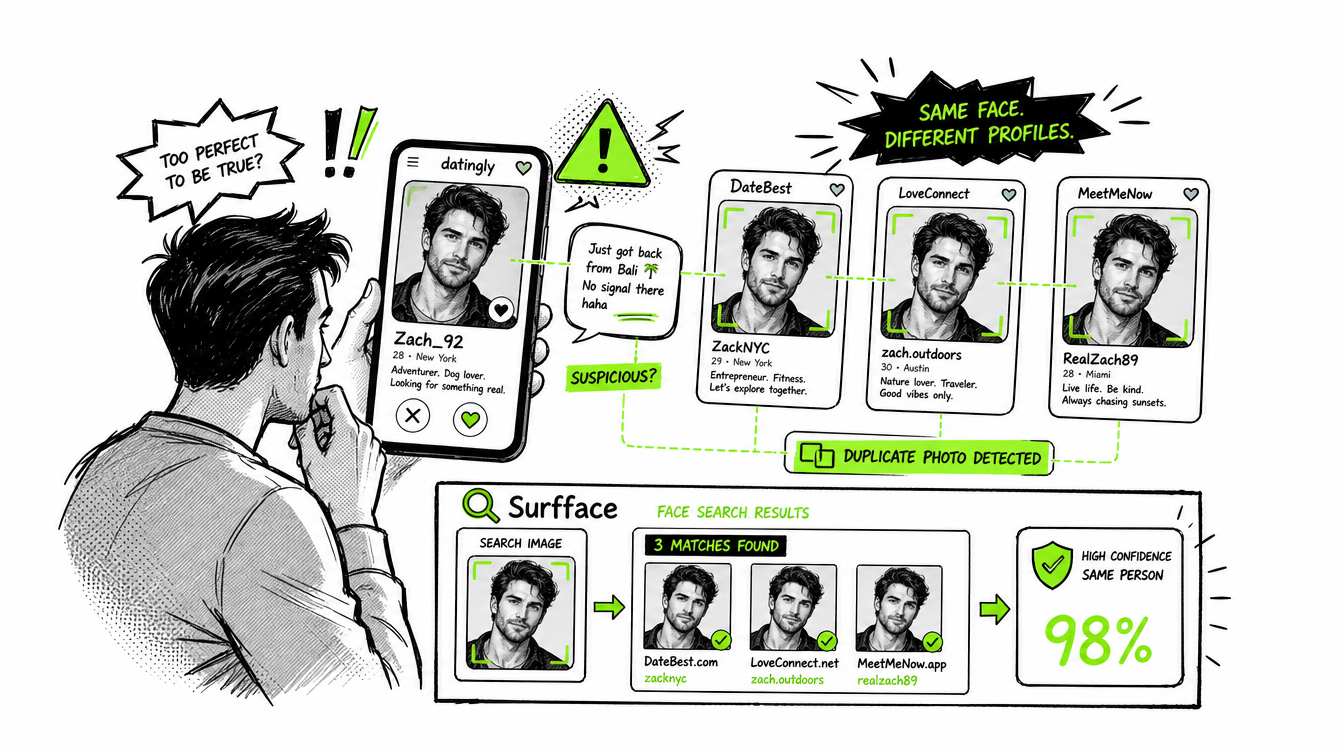
A reverse image search with face might be effective if the image itself has been reused, say on a model's twitter account which a scammer copies and pastes onto another dating site, sometimes a search of that page will come up.
It doesn't always have to be totally unrecognisable. Even if the image is quite contextual, say a photo of a well-known person or a branded event, an unusual background or a current affairs image and a potential signal for the search engine.
However, it often breaks down if the person is in a different photograph. New cropping, angle, gesture, expression, setting, distorting factors like grow older, smoking, make-up, facial hair, glasses or fuzzy quality mean our best solution can do poorly. The search engine might be distracted by the scenery; producing lookalikes, similar images or tangential pages.
That's it. Reverse face search therefore has more benefits in the case where you're looking for person discovery than in the case where you're looking for image-copy discovery.
How reverse face search works
In simplified terms, here is the practical process behind reverse face search.
- The system first detects the face or faces in the uploaded image.
- Then it extracts facial signals from the selected face and compares them against faces in a search index.
- From there, the system looks for candidate matches and assigns similarity scores based on how closely the faces appear to match.
- After the initial matching stage, strong tools filter and rerank results to show the most relevant matches first. This is where context matters. A good reverse face search tool should also consider source context, page metadata, profile information, and available public-record signals, so users can better understand what a match may imply.
The best reverse face search systems combine several search methods because no single method finds everything.
Why Surfface combines several search methods
Surfface is working on this precise problem. Unlike most of the existing single method face search program, it use multiple methods:
- Reverse image search by hashes to find exact or near-duplicate image copies
- AI reverse image search to detect visually similar images and related visual context
- Ephemeral face recognition to compare facial similarity where permitted and appropriate
- Knowledge-based search to use page context, metadata, and public information signals
- Third-party image and face search tools to expand coverage beyond one index or method
Definitely! Surfface too has its reverse image search, but with a little twist and in a little improved form of face search.
This is important for discoverability.
It's possible that one search tool might have failed to find a match due to being wrong about the crop. Another might find a face match and not a page context that is valuable.
Surfface merges those while trying to maximize the probability of encountering relevant public results.
This layered search stack allows Surfface to remain compliance first. Instead of having some globally uncontrolled amorphous approach, Surfface can choose the applicable searching technique at different stages of the search, including ephemeral face recognition where compliance allows. Read about the Surfface search process in more detail.
Which one should you use?
Use reverse image search when you want to locate copies of the same photo. This comes in handy when doing copyright checks,finding stolen images, checking for reused profile images, finding duplicates of product images and searching for visual duplicates.
Use reverse face search (a reverse face image search) if you're looking to search a face and discover the other pictures and online sites where the same person is.
But the main difference is simple: reverse image search finds the image. Reverse face search finds the face in different images.
In the end, that difference can be the difference between finding a real person check or it being nothing more than a public result.
Ready to try a reverse face search?

Stanley Wiggins
Stan leads product marketing at Surfface, bringing a mix of experience in OSINT and private investigations, along with expertise in digital marketing and product management.