Search by Face: See Where a Face Appears Online
Stanley Wiggins
July 2, 2026
5 min read
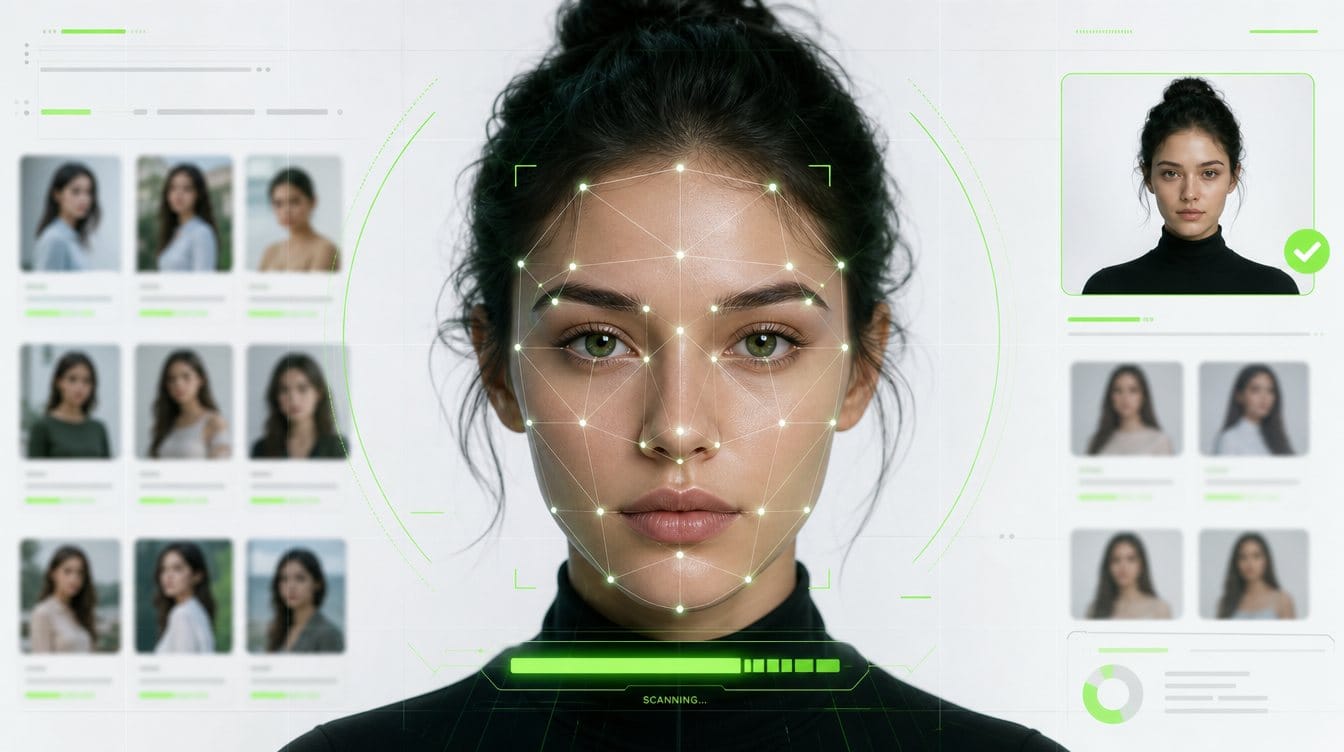
To search by face online, start with specialized face search services like Surfface or similar tools. They are built to find people by photo, so you can search a person by photo, not just exact image copies. If you want a fully free search by photo, try Yandex Images, Google Images/Lens, but expect lower face-search discoverability and more manual testing with different crops.
Surfface has its own face search index and also uses third-party search services under the hood, including Yandex, Google, and other tools. This makes it a more convenient starting point for finding possible face matches across websites, social profiles, news, and U.S. public-record sources.
In simple terms: if you want a free starting point, use Google Images or Yandex Images. If you need a more serious face image search to search face matches across sites, start with Surfface.
Can you search by face?
Yes, you can search by face, but different tools work in different ways.
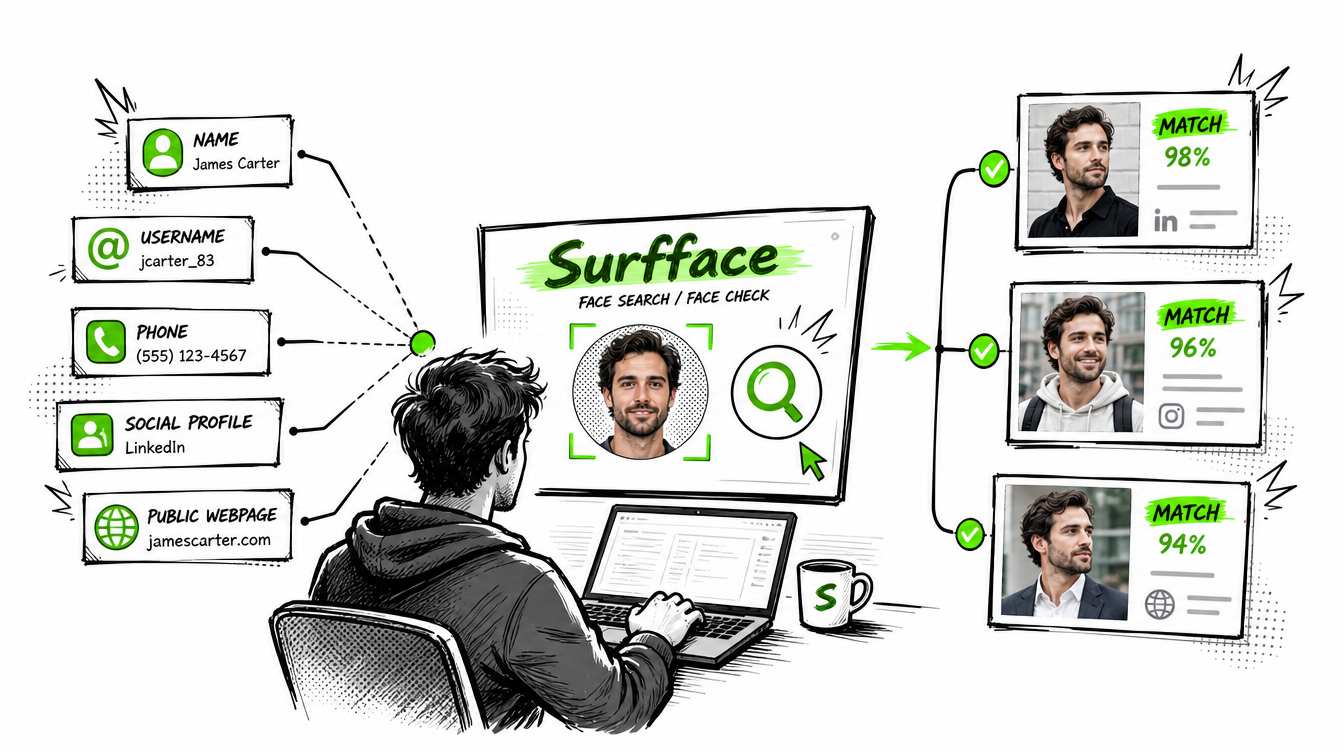
When people ask, "Can you search by face?" or "Can you search a face on the internet?" they usually mean one of three things:
- Can I find the same photo somewhere else?
- Can I find other photos of the same person?
- Can I find profiles, public records or websites connected to that face?
These are not the same task. A basic reverse image search can help you find exact or near-exact image copies. A specialized face search tool is better when you want to search a face across different photos, websites, profiles, and public sources.
There are three main ways to search face images online: reverse image search tools, general image search engines, and specialized face search engines.
Reverse image search tools
Traditional reverse image search tools, such as TinEye, are mainly designed to find duplicate or near-duplicate images. They can help if someone reused the same photo on a website, forum, marketplace or public profile.
But this is not the same as face image search.
A reverse image tool may fail if the same person appears in another photo with a different crop, angle, hairstyle, lighting, background or age. These tools usually focus on the image file or visual similarity of the full image, not the face itself.
Use reverse image search when your goal is to find copies of the same photo. Do not rely on it if your goal is to search a face and find where the same person appears in different images.
General image search engines
General image search engines are more useful for face search than basic reverse image tools, but they are still not built only for face discovery.
Among free general search engines, Yandex Images is often one of the strongest options for finding face-related matches. Google Images and Google Lens are also worth trying, especially if the person has public profiles, media mentions or appears on indexed websites. Google may return similar faces, public figure results, profile pages or pages connected to the uploaded photo, but results can vary a lot.
The main issue with Google is consistency. The same photo can return different results depending on the crop, image quality, your location, search history, and how much context is included in the image. A full-body photo may return weak results, while a clean face crop may work better. But if you crop the face too tightly, Google may return no useful results because it is not a dedicated face search engine and may limit face-based matching.
That is why Google requires testing. Sometimes a tighter crop around the face helps. Other times, keeping part of the background, clothing or page context gives Google more signals. You may need to test several versions of the same image before getting useful results. These tips help when you're learning how to search a face with Google Images or Yandex Images.
Google can also help with direct identification when the person has public visibility. If the person is a public figure or appears in news, blogs, interviews or other indexed pages, Google may show names, related pages or AI-generated summaries connected to that person.
Bing Images can also be tested, but for face discovery it is usually less effective than Yandex or Google.
The main problem with general search engines is time. Manual searching means uploading the same image to several tools, testing different crops, comparing weak results, and opening many pages one by one. Surfface reduces this work because it uses its own index and third-party search services under the hood, including Google, Yandex, and other tools.
See how Surfface compares with Google here, and Bing here.
Specialized face search engines
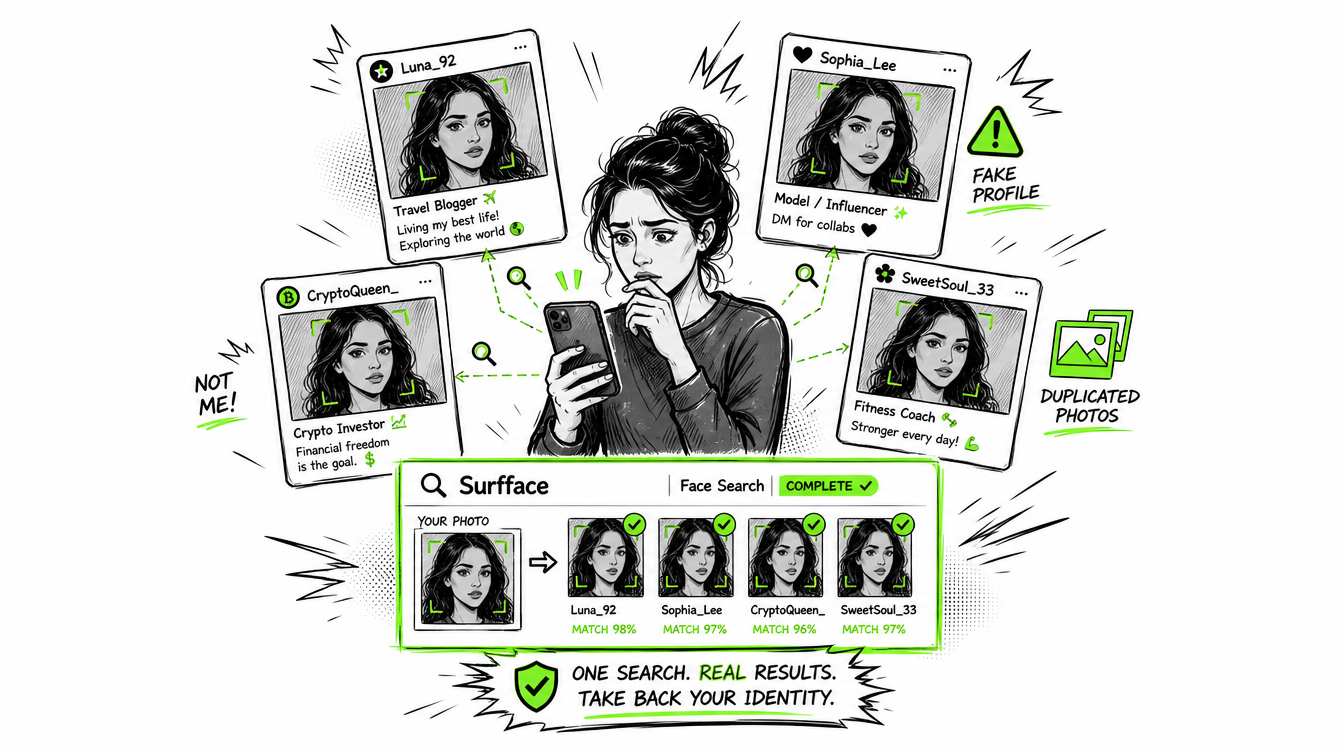
If you really need to search by face and find where a person appears online, use a specialized face search tool. Services like Surfface, PimEyes, Lenso AI, and FaceCheck ID are built for face discovery, not just exact photo matching. They help you search by photo and find possible matches across different images, websites, and public sources.
Be careful with AI apps that promise to find "everything" about a person from one photo. Many of these ads are misleading and push users into buying a subscription before showing useful results. In reality, many of these apps are simple LLM wrappers with weak face search discoverability and no serious image index behind them.
Top-tier face search tools usually allow a limited free search, but unlocking sources or full results requires payment. That is expected because effective face search requires expensive technology, large image indexes, and ongoing source updates.
If you only want a free search by photo, start with Yandex Images or Google Images. If it is important to search by face and find where that face appears online, start with a specialized tool like Surfface.
Surfface is especially useful for U.S.-focused face checks, social profile discovery, and public-record signals. It has its own face search index and dedicated data pipelines for mugshots, registered sex offender sources, and other U.S. public records where available. This makes Surfface a more practical choice when you need to search someone by photo and review possible matches in one place.
How to search a face online
Step 1: Upload a clear face photo
Start with a clear photo of the person you want to check. Avoid blurry images, sunglasses, heavy filters, extreme angles or photos where the face is too small. You can also add a name if you have one, so the search can combine face discovery with text-based signals.
Step 2: Run a free face search
After you upload the photo, Surfface searches across public sources where that face may appear. Surfface's index includes over 250 million social profiles and over 10 billion images. It also has dedicated U.S. data pipelines for mugshots, registered sex offender sources, and other public-record checks where available.
Step 3: Review possible matches
Surfface shows possible face matches before you unlock source details. This helps you decide whether the search found something worth checking further.
Step 4: Unlock sources if the match looks useful
If you see a promising match and need more information, you can use credits to unlock source details. This may include source pages, profile links, public-record context or other available information.
Free vs paid search by face
So, can you search by face for free? Yes, but free tools have limits.
If you want to search face images for free, start with Yandex Images, Google Images/Lens (we don't recommend Bing Images.) Try different crops and review results carefully. This can work when the photo is public, reused often or connected to a public figure.
But if the search is important, use a specialized face search tool. Free tools are good for basic checks. Specialized tools like Surfface are better when you need deeper discovery, social profile matches, U.S. public-record checks, and a more organized search process.
Search by face works best when you use the right tool from the start.

Stanley Wiggins
Stan leads product marketing at Surfface, bringing a mix of experience in OSINT and private investigations, along with expertise in digital marketing and product management.