Face ID Search: Check Where a Face Appears Online
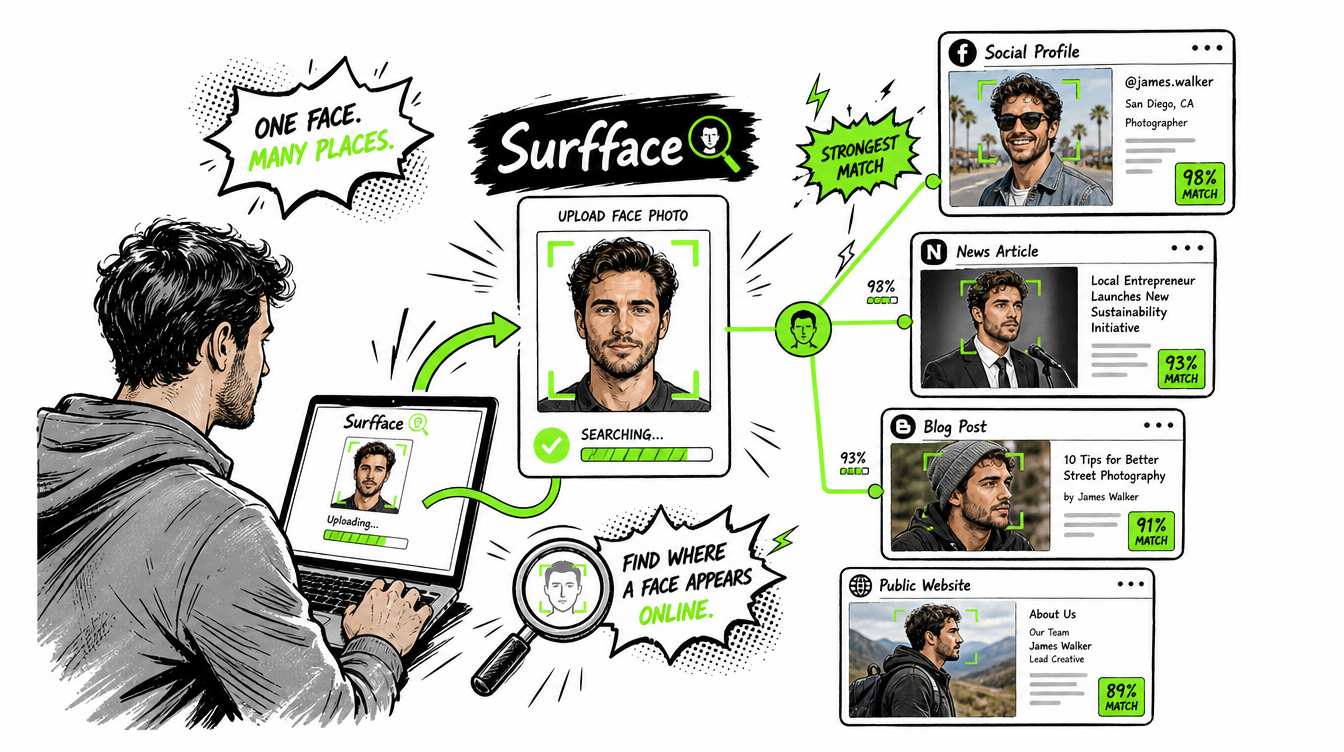
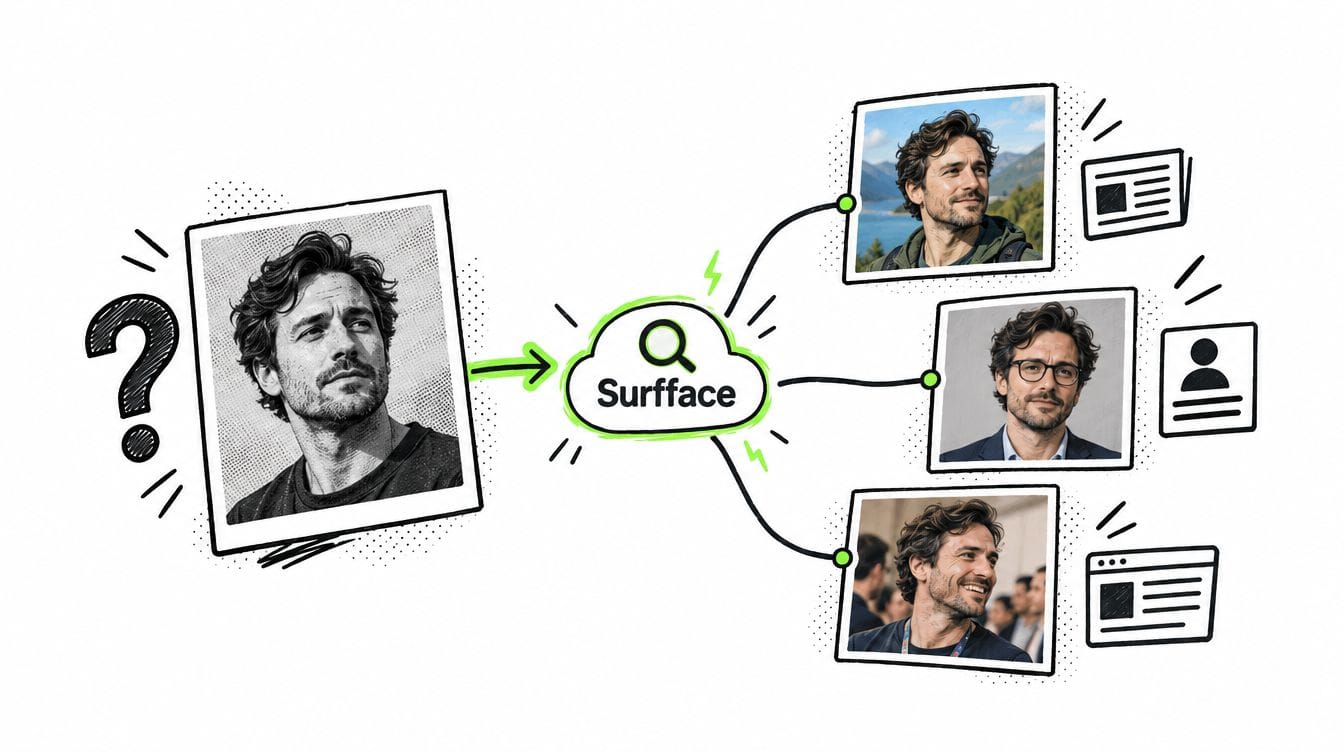
Face ID search means using a face photo to find where that person may appear across public online sources. With Surfface, you can upload a clear face image and search public websites, news pages, blogs, social media profiles and available U.S. public records such as mugshots and registered sex offender sources. It is useful when a name is missing, fake or unreliable. It can help you check public identity signals before you trust, meet or continue a conversation.
A face ID search is not magic. It does not open private accounts, read messages or guarantee a full identity from one photo. It searches public and indexed data only. Used correctly, it can show valuable public clues fast.
What is face ID search?
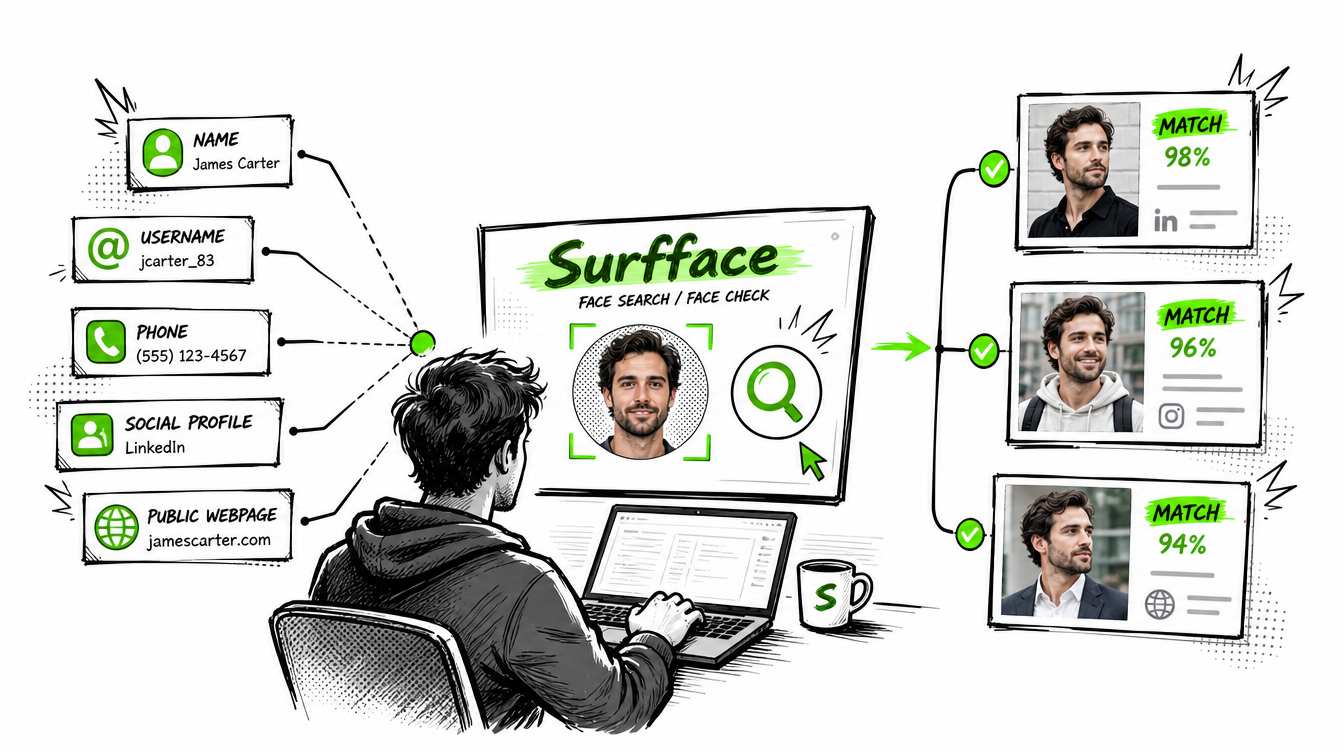
Face ID search is a photo-based people search. Instead of starting with a name, phone number or email address, you start with a face image.
This is useful because names can be fake. Usernames can be changed. Dating profiles can be invented. Social media accounts can be deleted and recreated. A face is harder to disguise across public photos, public profiles and public records.
In this article, face ID search means public face image search. It is not the same as Apple Face ID, phone unlocking or private device authentication. It is a way to search public online sources using a face photo as the main search input.
Surfface is built for this type of search. It helps users find where a face appears online across public web sources, social profiles, news pages, blogs and U.S. public records where available.
Why people use face ID search
Most people run a face id search when something does not feel right.
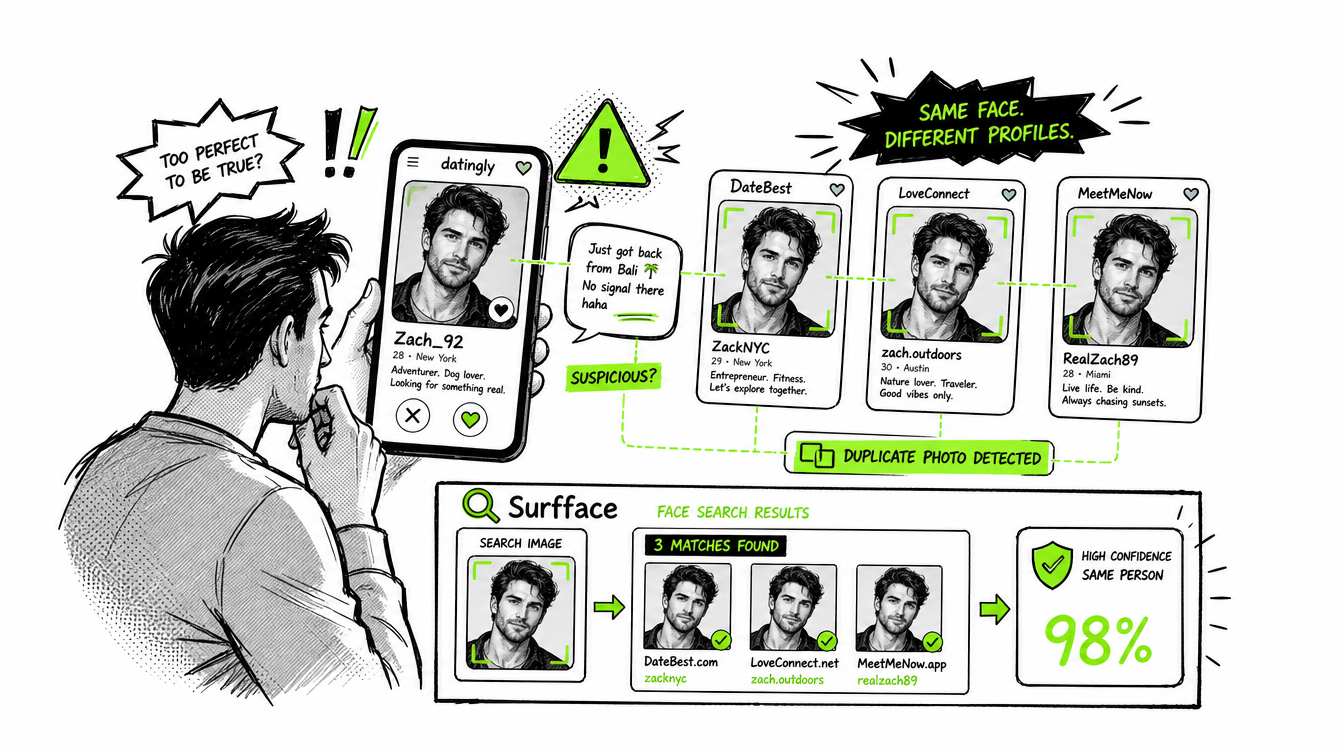
Maybe someone messaged you from a dating app and their story feels too perfect. Maybe a social profile has only a few photos and no real history. Maybe someone is using your photos without permission. Maybe you want to know whether a face appears in public mugshot records or registered sex offender sources before meeting in person.
A face search id check can help you answer practical questions:
- Is this photo used somewhere else online?
- Does this person appear under another name?
- Are there matching social profiles?
- Is the image connected to public records?
- Is someone using stolen or reused profile photos?
- Are there warning signals I should check before trusting them?
Surfface does not tell you what to believe. It gives you public evidence to review.
How to run a face ID search with Surfface
Step 1: Upload a clear face photo
Start with the clearest face image you have. The best photo shows the face straight on with good lighting and minimal obstruction.
Avoid blurry images, heavy filters, sunglasses, masks, extreme angles or group photos where the face is too small. If you have a name, you can add it to support the search with text-based signals.
Step 2: Run a free face ID search
After you upload the photo, Surfface searches public sources where that face may appear. Surfface’s index includes over 250 million social profiles and over 10 billion images. It also has dedicated U.S. data pipelines for mugshots, registered sex offender sources and other public-record checks where available.
A free face id search helps you see whether the system finds useful face matches before you unlock deeper source details.
Step 3: Review possible matches
Surfface shows possible face matches and similarity signals. This lets you check whether the results look relevant before spending credits.
Look for strong visual similarity, repeated appearances across different photos and consistent profile context. One weak match may mean little. Several consistent matches can mean much more.
Step 4: Unlock sources when the result looks useful
If the match looks promising, you can unlock source details with credits. Depending on availability, this may include profile links, source pages, public-record context, public web mentions or other indexed information.
This is useful when you need more than a thumbnail. You can move from “this looks similar” to “this source may explain where the face appears and why it matters.”
What a face ID image search can find
A face id image search can help find public signals connected to a face. Possible results may include public social profiles, profile photos, reused images, blog mentions, news pages, public web pages, mugshots, criminal-record related sources where available and registered sex offender records where available.
This makes Surfface useful for different situations.
- For dating safety, you can check whether a person’s photos appear under different names or in suspicious places.
- For catfish detection, you can check whether a profile picture was reused from another public account. Learn how Surfface helps detect catfishing here.
- For personal protection, you can search your own face to see whether someone is using your image without permission. Learn more about it here.
- For public-record awareness, you can review available U.S. public-record signals before trusting someone too quickly.
A face id reverse search is especially valuable when you do not have reliable text data. If all you have is a face photo, that photo can become the starting point.
What public face search cannot do
Public face search has limits. It searches open-source and publicly available information. It does not access private databases, hidden social media content, locked accounts, private messages, friends-only posts or closed communities.
A private social profile may still have public signals such as a profile photo, username, display name or preview page. Surfface can search visible public elements where available. It cannot break into private accounts or reveal hidden content.
No face search engine can find everything. Results depend on index coverage, public availability, image quality, jurisdiction, privacy rules and whether the person’s face is actually visible online.
A “no match” result is useful but it is not a guarantee that nothing exists. It means no strong public match was found in the searched sources.
Why Surfface is useful for face ID reverse search
Surfface is designed for face-first public search. General image search tools often look for duplicate or near-duplicate images. They may work if the exact same picture appears elsewhere. They often fail when the same person appears in a different photo, crop, angle, hairstyle or background.
Surfface focuses on the face. That makes it more practical when you need to check a person across different public images rather than find one copied file.
Surfface also combines face search with public-source context. This matters because a face match without source context is only a clue. A result becomes more useful when you can review where the face appears, what type of source it comes from and whether the surrounding information is consistent.
Use face ID search before you trust too fast
Online trust is easy to fake. A clean profile photo does not prove a real identity. A confident message does not prove honesty. A name can be copied. A story can be invented.
A face id search gives you a fast public check before you meet, send money, share private information or believe a stranger’s story.
Use Surfface when you need to answer one simple question: where does this face appear online?
Upload a clear photo, run a free face ID search, review possible matches and unlock source details if the result looks useful. Check before you trust.

Stan leads product marketing at Surfface, bringing a mix of experience in OSINT and private investigations, along with expertise in digital marketing and product management.