How to Tell If a Social Media Profile is Fake
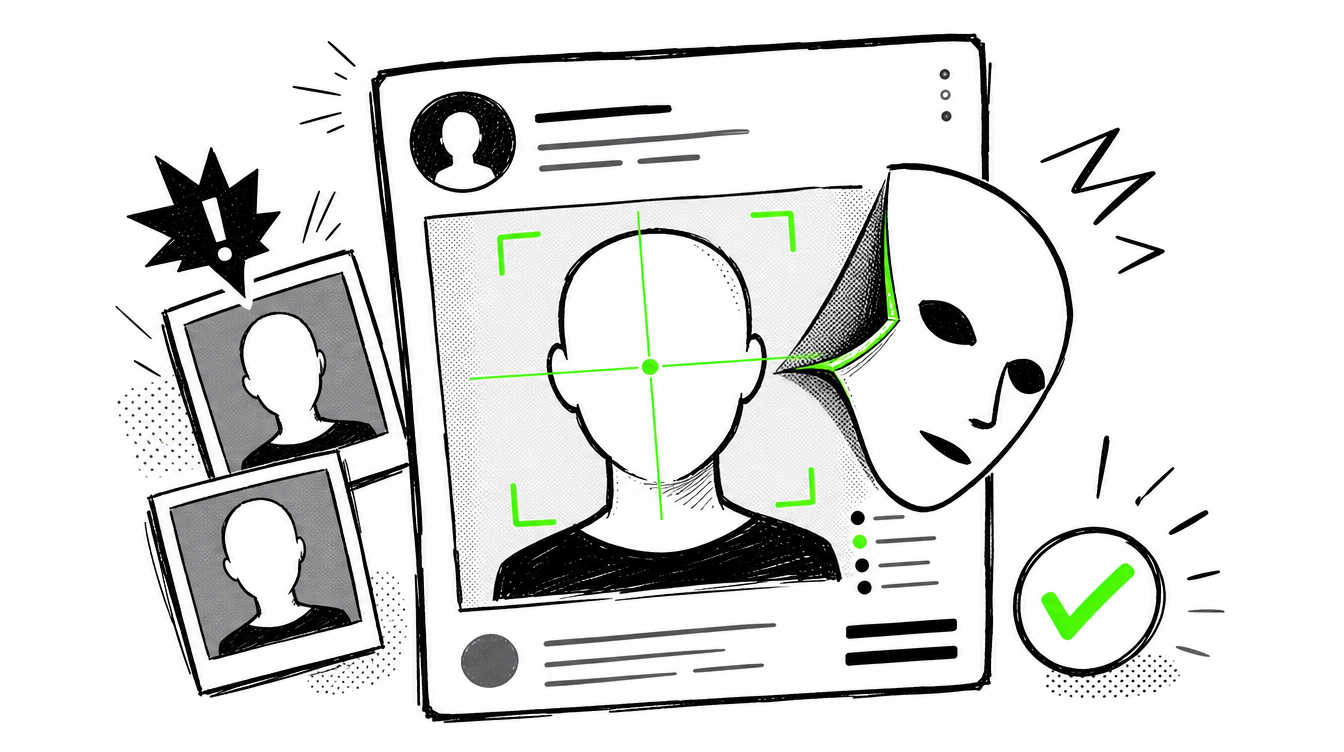
A fake profile can look normal at first. It may have an attractive face, a believable bio, a few posts, and friendly messages. That is why fake accounts work. Scammers, catfishers, impersonators, and romance fraudsters do not need to look suspicious. They only need to look real enough for you to trust them.
If you want to know how to tell if a Facebook profile is fake, or whether you are dealing with a fake Instagram profile or fake Tinder profile, check the account step by step. Do not rely on one clue. Look at the photos, history, behavior, engagement, and whether the person exists elsewhere online.
Check the profile picture first
Fake profile pictures are one of the strongest warning signs. Scammers often use stolen photos from real people, influencers, models, dating apps, or AI-generated faces.
Look for these signs:
- The photo looks too perfect or too professional.
- There are only selfies, with no casual photos.
- The same face appears in different styles, ages, or quality levels.
- Photos are cropped tightly, blurry, filtered, or look like screenshots.
- There are no tagged photos with real friends or family.
- The person looks like a model, but the profile has almost no history.
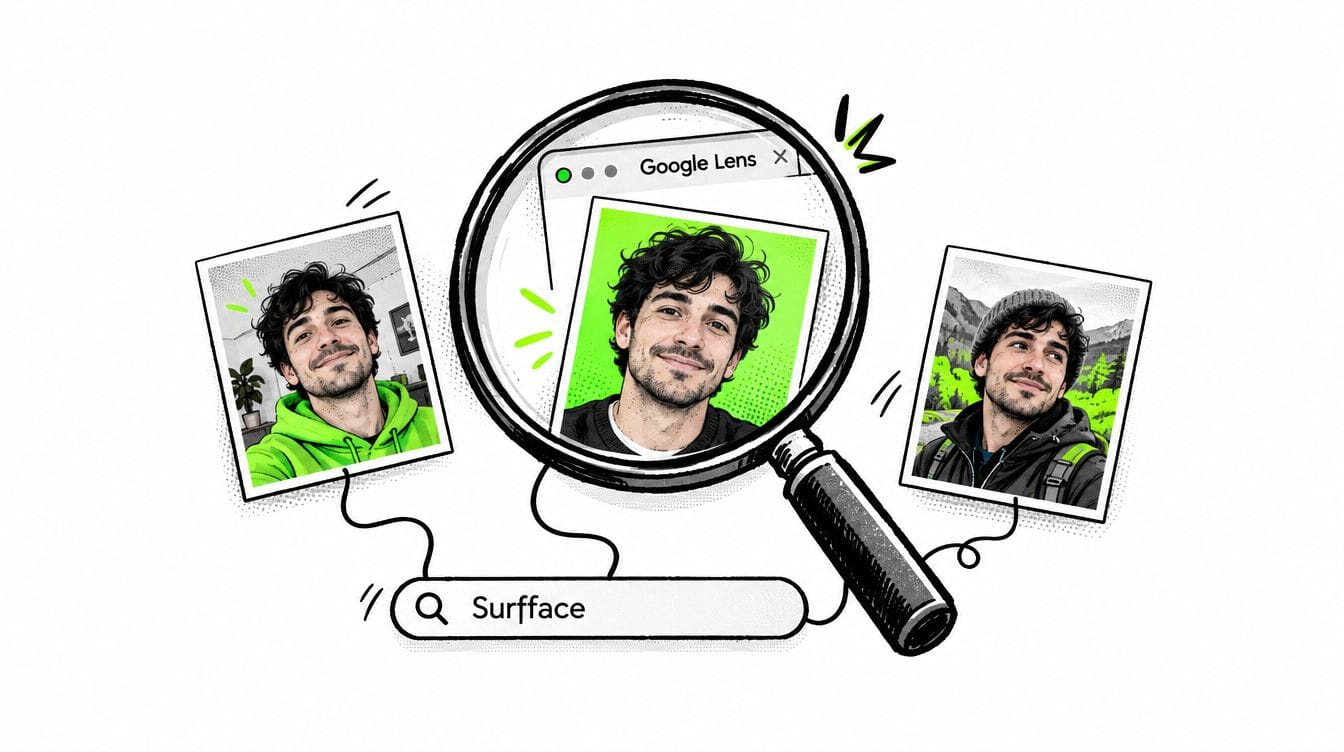
A basic reverse image search may help if the exact photo was copied. But scammers often crop, edit, filter, or use different photos of the same person. That is why a fake profile picture search by face is stronger.
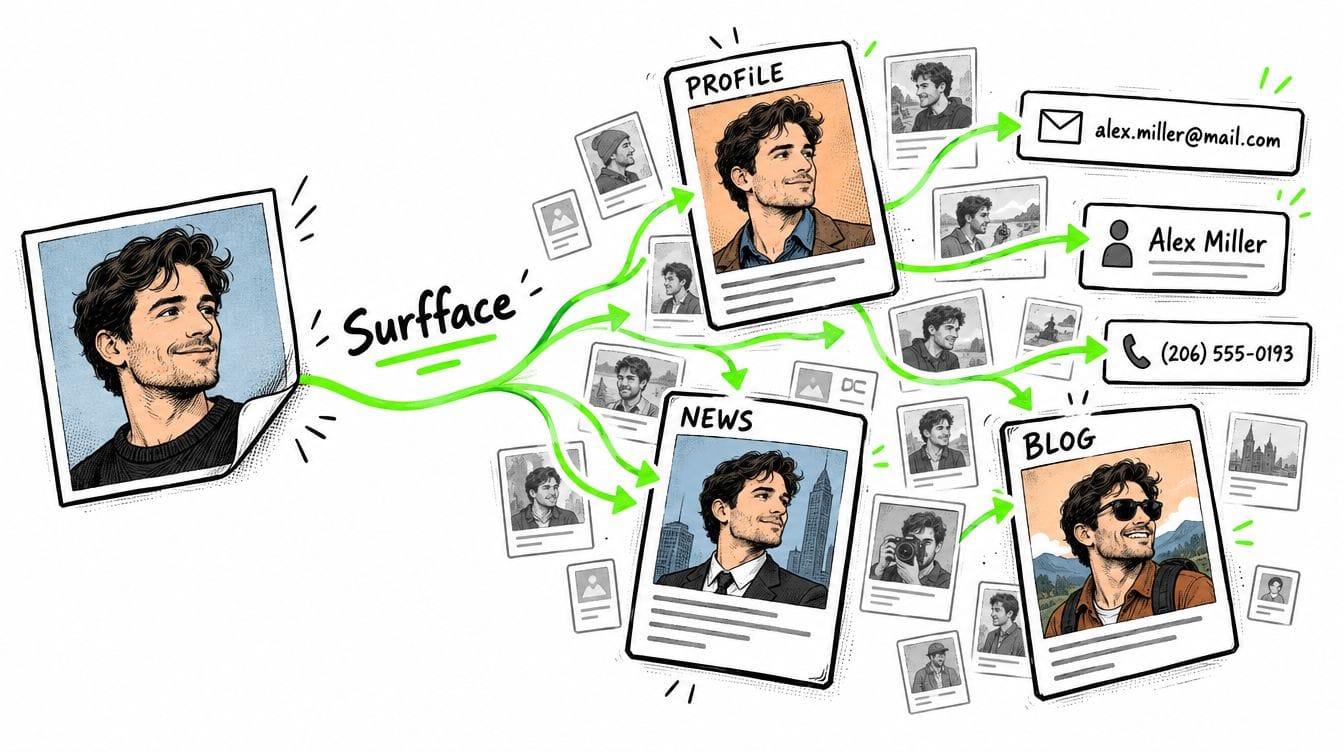
With Surfface, you can upload a face photo and search for public matches across indexed websites, social profiles, available public records, and other public sources. It helps you check the person in the image, not just the exact file.
Search the face, not only the name
Names are easy to fake. Usernames are easy to change. Bios can be copied. A face is harder to hide.
Many Surfface users run a face search to avoid being catfished, detect impersonation scams, and check whether someone is using stolen photos. Learn more about it here. This is useful when someone messages you on Facebook, Instagram, Tinder, WhatsApp, Telegram, or a dating app and the story feels too polished.
If a person claims to be real, active, and public, but Surfface finds no meaningful results, that can be an important signal. It does not prove the profile is fake, but it means you should slow down. No public footprint, no video call, no real account history, and no face matches together can point to a fake identity.
Look at the account age and history
A real Facebook profile usually has history. Old posts, tagged photos, comments from real people, changing profile pictures, family interactions, school, work, locations, birthdays, and normal life updates.
A fake profile often looks thin.
Common fake social media profile signs include:
- Only recent posts.
- Very few old photos.
- No tagged posts.
- No comments from real friends.
- Generic captions.
- Sudden activity after years of silence.
A profile that looks “new” but claims a long, complicated life story.
If you are checking how to tell if a Facebook profile is fake, scroll down. Do not stop at the first five posts. A fake account often falls apart when you check its older activity.
Check followers, friends, and comments
A fake Instagram profile may have followers, but weak engagement. A fake Facebook profile may have many friends, but no real relationships. A fake Tinder profile may look attractive but avoid giving any proof of identity.
Check these details:
- Do comments sound personal or generic?
- Are followers real people or empty accounts?
- Do friends tag the person in normal situations?
- Are there birthday posts, group photos, or local connections?
- Does the account follow random people from many countries?
- Are comments mostly emojis like “Nice,” “Beautiful,” or “Great pic”?
Fake profiles often create the appearance of attention, but not real connection.
Compare all photos carefully
Do not look at one photo. Compare every image on the profile.
Watch for:
- Different face shape.
- Different nose, eyes, teeth, or jawline.
- Different age between photos.
- Photos from unrelated locations.
- Only luxury lifestyle images with no context.
- No candid photos.
- No bad photos.
Real people usually have imperfect, mixed, normal photos. Fake profiles often look too controlled.
If the person appears slightly different across photos, run a Surfface face search. It can help you check whether the images point to the same person or whether stolen photos may be mixed together.
Be careful with AI-generated profile photos
AI-generated faces are now harder to spot. Older AI images had obvious issues, such as strange eyes, warped glasses, mismatched earrings, distorted hands, or fake-looking skin. New AI models can create faces that look very real.
Do not fully trust random AI detectors you find by Googling. Not all AI detectors work well. Many do not reliably detect images from the latest advanced AI models. Some can miss fake images. Others can falsely flag real photos.
A face search gives you a different kind of check. If a polished profile photo has no useful public trace in Surfface, that absence matters. It is not final proof, but it is a warning sign, especially if the profile also avoids video calls, has no old history, and pushes you to trust fast.
Watch how the person behaves
Fake profiles often move fast. They want emotion before verification.
Be cautious if they:
- Say they feel a deep connection too quickly.
- Push you to WhatsApp, Telegram, or another private app.
- Avoid video calls.
- Ask for secrecy.
- Ask for money, gift cards, crypto, or help.
- Ask for private photos.
- Claim emergencies.
- Use guilt, romance, pressure, or fear.
A fake Tinder profile may become romantic quickly. A fake Instagram profile may slowly build trust through DMs. A fake Facebook profile may pretend to be lonely, rich, successful, military, widowed, or working abroad.
If the story creates urgency, check before you trust.
Ask for live proof
A real person should be able to verify themselves in a simple, safe way.
Ask for a short video call. Or ask for a current selfie with a simple gesture, such as holding up two fingers. Do not send private photos or personal documents in return.
Common excuses from fake profiles include:
- “My camera is broken.”
- “I am shy.”
- “I am working overseas.”
- “My internet is bad.”
- “I cannot call because of my job.”
- “I will video call later.”
One excuse can be normal. Repeated excuses are a red flag.
Search the username, bio, and text
Scammers reuse content. Search the username, profile name, bio phrases, captions, and any unusual sentences from their messages.
A fake Instagram profile may reuse a real person’s photos under a different name. A fake Tinder profile may use photos stolen from Instagram. A fake Facebook profile may copy a real profile and slightly change the details.
If the name does not lead anywhere, search the face with Surfface.
Final answer: How can you tell if a profile is fake?
You can tell if a profile is fake by checking several signals together: fake profile pictures, weak account history, generic comments, inconsistent photos, no real friends, fast emotional pressure, refusal to video call, and no public face matches.
Use Surfface when the face is the main clue. Upload the photo, run a face search, and check whether the person appears in public results. It can help expose stolen photos, fake identities, impersonation scams, and catfishing attempts.
Fake profiles are built to make you trust first and check later. Do the opposite.
Check first. Trust later. Use Surfface to stay safer.

Stan leads product marketing at Surfface, bringing a mix of experience in OSINT and private investigations, along with expertise in digital marketing and product management.