People Search by Photo: Find Public Web Results From an Image
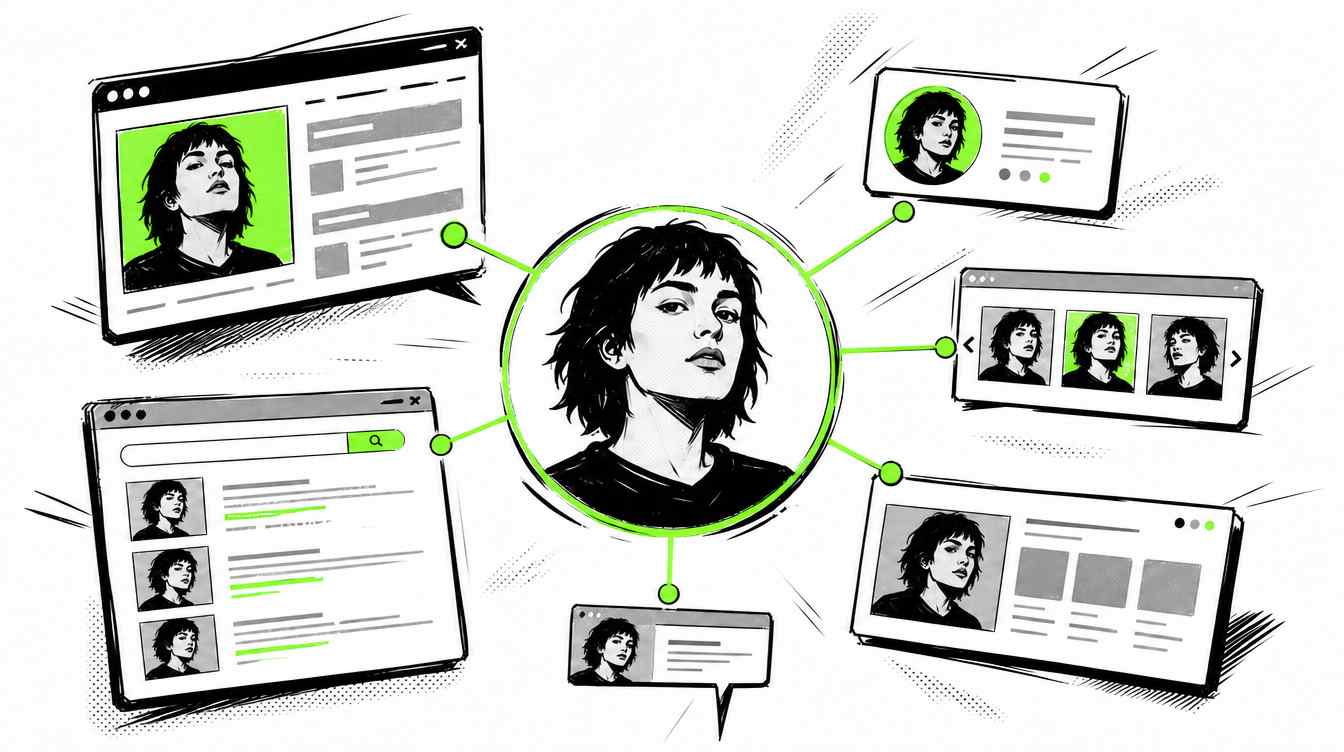
Need to search people by photo? A name can be fake. A dating profile can be staged. A social account can use stolen pictures. A stranger may give you a story that sounds convincing, but the photo may reveal where that person actually appears online.
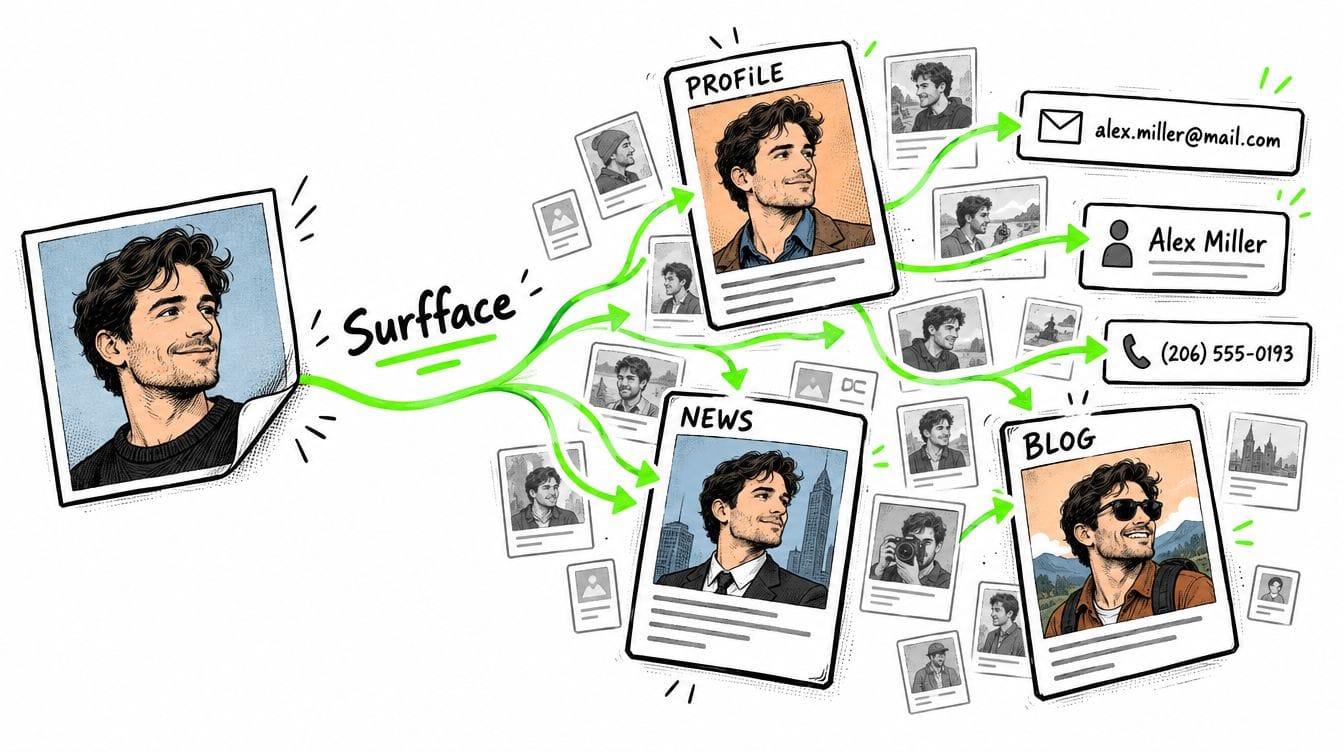
A people search by photo helps you start with an image instead of a name. You upload a face photo, then check public web results, public profiles, image matches, and available public-record signals connected to that face. It is useful when you only have a picture, when a name seems suspicious, or when you want to check someone before you trust, meet, date or share personal information.
Surfface is built for this exact use case. It helps you search for people by photo across public sources, review possible face matches, and decide whether the results are worth unlocking for deeper source details.
Can you search people by photo?
Yes, you can search people by photo, but the quality depends on the tool you use, the image quality, and whether the person appears in public indexed sources.
A photo search is not magic. It cannot reveal private accounts, hidden databases, or every record about a person. It can only return results from sources that are searchable, indexed, available, or legally accessible. But when the same face appears across public websites, social profiles, news pages, mugshots, registries, blogs, or other public pages, a face-focused search tool can help you find important leads faster.
This matters because many people online do not hide their face. They hide where that face appears.
Three ways to search people by photo online
There are three common ways to run a people search by photo: reverse image search tools, general image search engines, and specialized face search engines.
Reverse image search tools
Traditional reverse image search tools are mostly designed to find the same image or near-identical copies. They can help if someone reused the exact same profile photo on a dating app, forum, marketplace, blog, or fake account.
This is useful, but too limited.
Reverse image search usually focuses on the image file, not the identity of the face. If the same person appears in another photo with a different crop, angle, background, hairstyle, lighting, age, expression, or camera quality, basic reverse image search may miss it.
Use reverse image search when your main goal is to find copies of the same picture. Do not rely on it when your real goal is to search people by photo and find where the same face appears in different images.
General image search engines
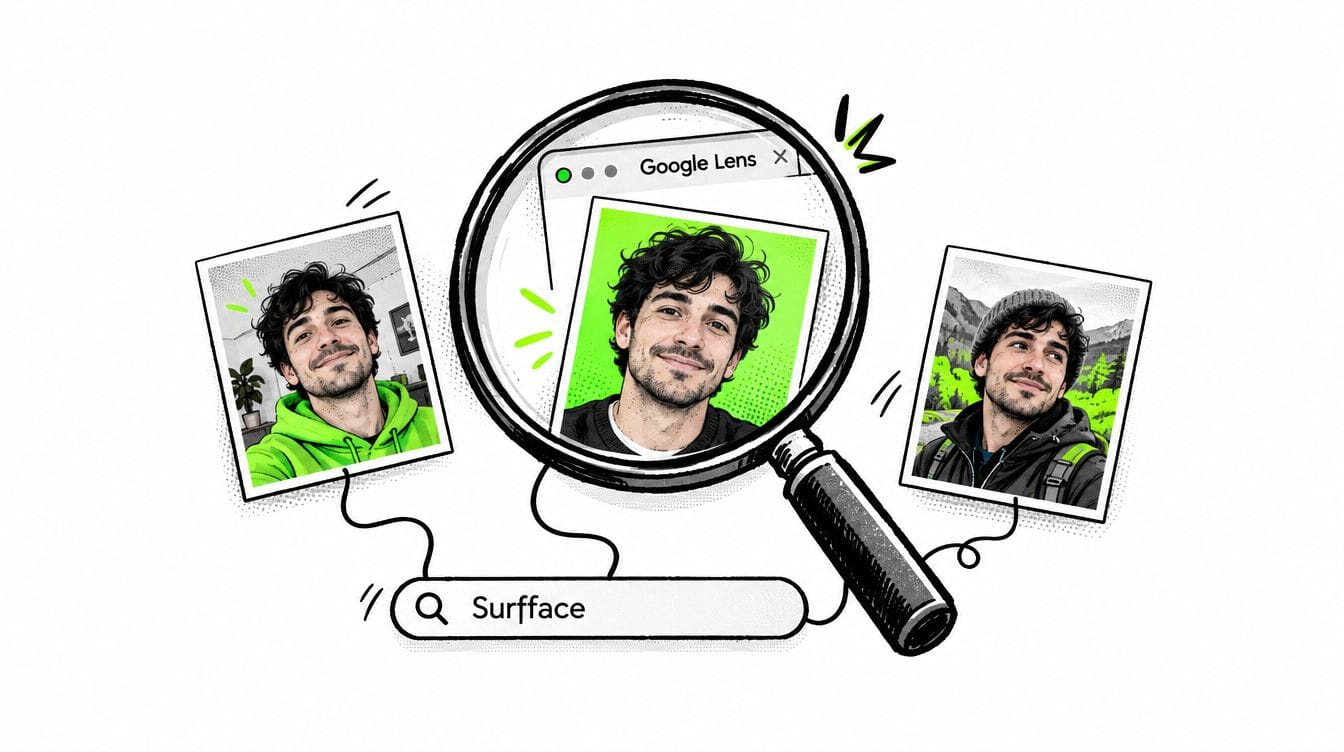
Google Images, Google Lens, Yandex Images, and Bing Images can help with free people search by photo. They are useful starting points because they search large parts of the web and may return visually related pages, profile photos, news mentions, or pages connected to the uploaded image.
Yandex Images is often strong for visual face-related discovery. Google Images and Google Lens can also work well, especially when the person has public visibility, appears in news, or has indexed public profiles. Bing Images can be tested too, although results may vary.
The problem is consistency.
One crop may work. Another may fail. A full-body image may return clothing or background results instead of the person. A tight face crop may remove useful context. A blurry image may return lookalikes. Search history, location, image quality, and surrounding visual signals can all affect results.
That means general image engines often require manual testing. You may need to upload the same image several times, crop it differently, compare weak results, open many pages, and repeat the process across several tools.
This is possible, but slow.
Surfface reduces this manual work by combining its own face search index with broader discovery methods and third-party search signals, including major image search engines where useful.
Specialized face search engines
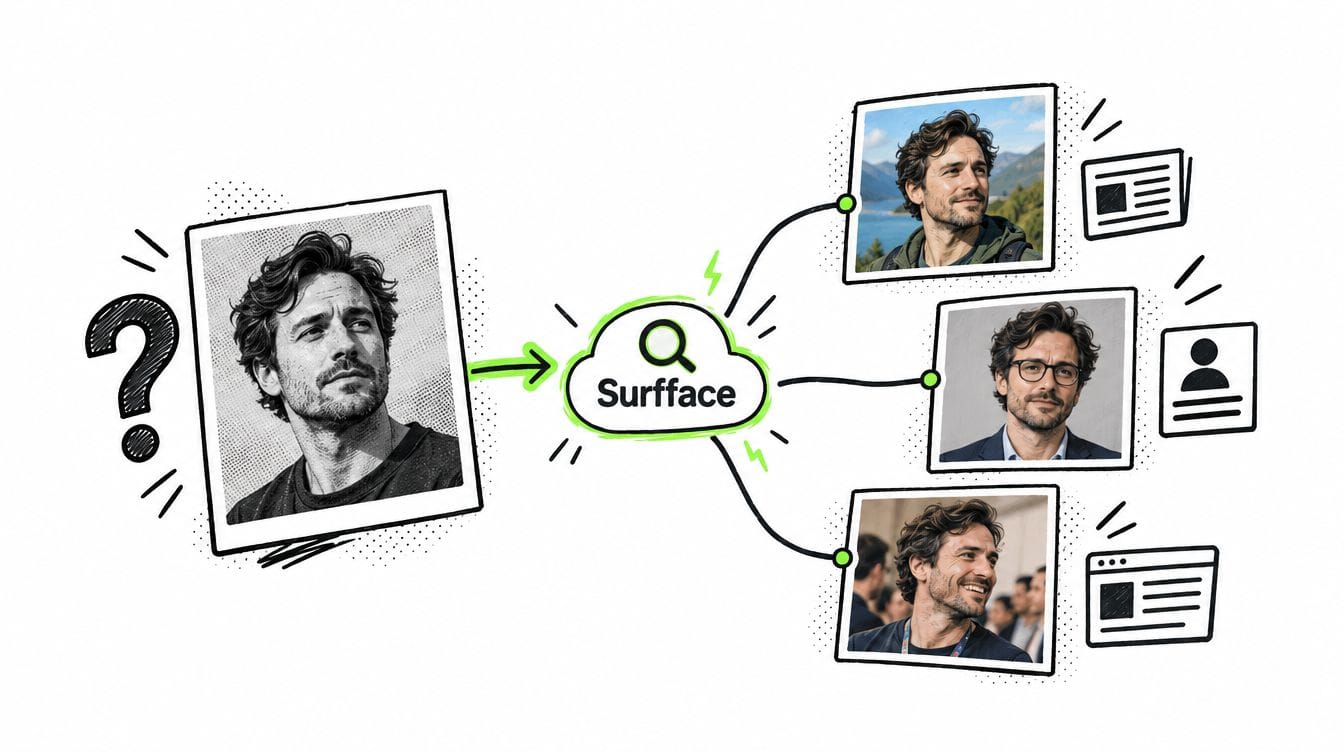
If your goal is not just to find an image copy, but to find a person by face, use a specialized face search engine.
Tools such as Surfface are built for face discovery. They focus on the person in the image, not only the whole picture. That makes them more useful when you need to search for people by photo across different photos, angles, backgrounds, and public sources.
Be careful with apps that claim they can find “everything” about someone from one image. Many overpromise, hide weak results behind subscriptions, or use vague AI language without serious search coverage. Real face search depends on image quality, source coverage, public availability, matching technology, and responsible privacy practices.
Surfface is especially useful for U.S.-focused checks, public web discovery, social profile discovery, and available public-record signals. It searches public sources and helps you review possible matches before deciding whether to unlock more details.
How to search people by photo with Surfface
The process is simple.
Step 1: Upload a clear face photo
Start with the best available image. The face should be visible, sharp, and not too small. Avoid sunglasses, heavy filters, extreme angles, group photos, low light, or screenshots with compression artifacts.
A clean face photo gives the search more useful visual signals. If you have a name, you can add it, but it is not required. A face-first search is useful precisely because names can be fake, incomplete, misspelled, or unknown.
Step 2: Run a free search
Surfface lets you start with a free people search by photo. The system checks public sources where matching or similar faces may appear.
Surfface has its own index of over 250 million social profiles and over 10 billion images. It also has dedicated U.S. data pipelines for mugshots, registered sex offender sources, and other public-record checks where available.
This does not mean every person will be found. It means Surfface gives you a more focused way to check public face matches and safety-related signals from one place.
Step 3: Review possible face matches
Surfface shows possible matches before you unlock source details. This helps you judge whether the search found something relevant.
Look at the face, similarity, image context, and whether the result appears to show the same person. Do not rely on one weak match. Face search results should be treated as leads, not final proof. People can look similar, images can be outdated, and public sources can be incomplete.
The value is speed. Instead of manually testing Google, Yandex, Bing, and other tools one by one, Surfface helps organize possible matches so you can review them faster.
Step 4: Unlock sources if the result looks useful
If the result looks relevant, you can unlock source details with credits. Depending on what is available, this may include source pages, public profile links, page context, public-record information, or other source details.
This is useful when you need to confirm where the face appears, compare identities, check for suspicious inconsistencies, or understand whether the person’s online story matches public web evidence.
When should you use people search by photo?
Use people search by photo when the image matters more than the name.
Common use cases include checking a suspicious dating profile, verifying a stranger before meeting, looking for reused or stolen photos, finding public profiles connected to a face, checking whether your own photo is being misused, reconnecting with someone when you only have an old image, or reviewing safety signals before trusting someone online.
For dating and social safety, this is especially important. Romance scammers often use fake names, stolen photos, scripted stories, and emotional pressure. A face search can reveal whether the same photo appears under another identity, on suspicious pages, in public records, or across unrelated profiles.
Is there a people search by photo free option?
Yes. You can start with free tools like Google Images/Lens, Yandex Images, and Bing Images. These are good for basic testing and can sometimes find strong results.
But people search by photo free tools have limits. They may miss face matches across different images. They may require many manual searches. They may return similar-looking people instead of the same person. They may also fail when the face is cropped, old, filtered, or shown in a different context.
Surfface gives you a practical middle ground. You can run a free search first, review possible matches, and unlock source details only when the results look useful.
Search first, trust later
A photo can tell you what a name may hide.
If you need to search people by photo, start with a clear image and use the right tool for the job. Reverse image search is good for duplicate photos. General image engines are useful for broad free testing. But if you need face-focused discovery across public web results, use a specialized tool like Surfface.
Run a people search by photo before you trust a stranger, meet someone in person, believe a profile, or ignore a suspicious feeling.
Stay safe. Stay informed. Check before you trust.

Stan leads product marketing at Surfface, bringing a mix of experience in OSINT and private investigations, along with expertise in digital marketing and product management.