Social Media Account Finder by Photo: Can One Image Reveal their Accounts?

A name can be fake. A username can be changed. A phone number can be hidden. But a face may still appear across public social media profiles, old posts, creator pages, dating profiles, blogs, news mentions, and public web results.
That is why more people now use a social media account finder by photo when they want to check who they are talking to, reconnect with someone, verify a profile, or investigate whether a photo is being used across different accounts.
A photo search will not reveal every account on the internet. Private profiles, deleted pages, blocked platforms, low-quality images, and unindexed content can stay hidden. But if the person’s face appears in public sources, a specialized tool like Surfface can help you find possible profile matches much faster than manual searching.
What is a social media account finder by photo?
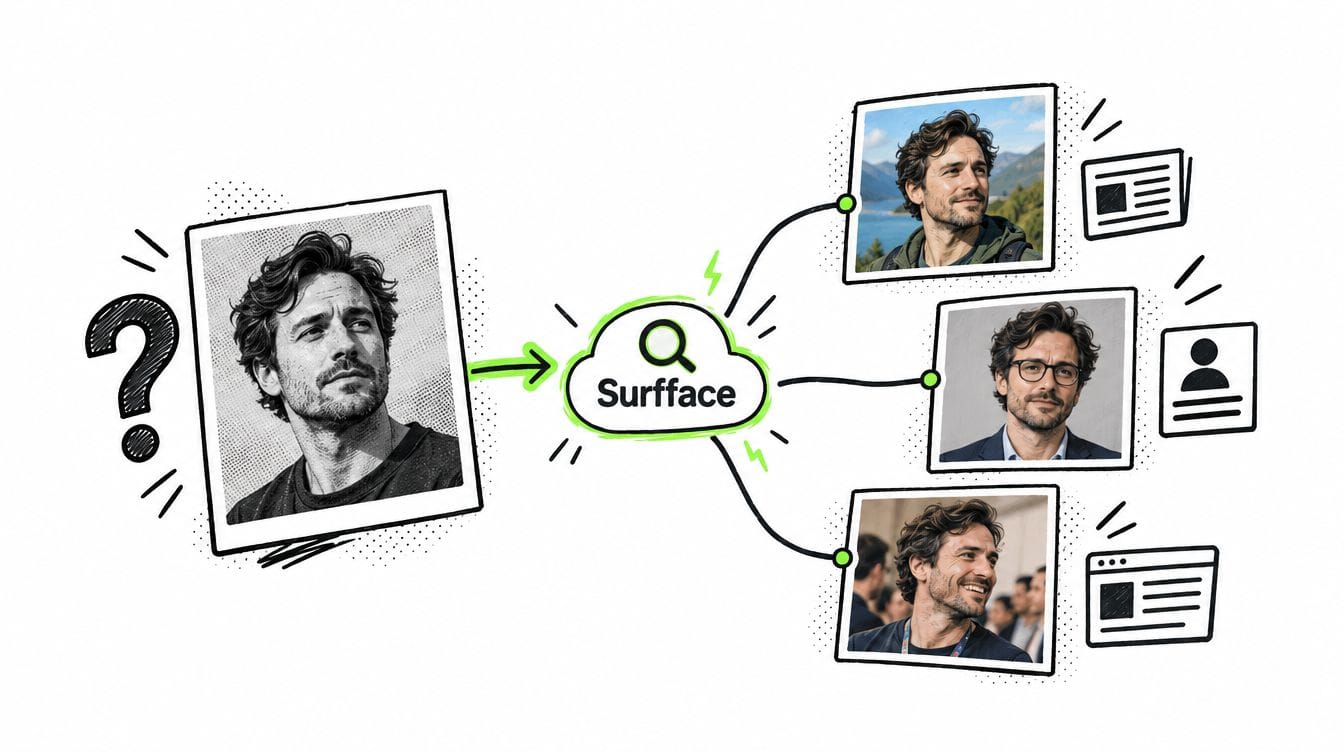
A social media account finder by photo is a tool that uses an uploaded image to search for public web results connected to the face in that image. Instead of starting with a name, email, phone number, or username, you start with a face.
This is useful when you have only a profile photo, dating app image, screenshot, old picture, or suspicious social media photo. The goal is to find where the same person may appear online.
People use social media search by photo for many reasons:
- To check if a dating profile is real.
- To find someone’s Instagram, TikTok, or other public social profiles.
- To see whether a stranger is using stolen photos.
- To reconnect with someone when only an old photo is available.
- To check if someone has multiple public identities.
- To protect their own image from impersonation or photo misuse.
Traditional search engines can help sometimes, but they are not built only for faces. A dedicated social media finder by photo like Surfface is designed to search across public sources where a person’s face may appear.
Can one image reveal someone’s social media accounts?
Yes, one image can sometimes reveal public social media accounts, but only when the right conditions exist.
A photo is more likely to find useful results if the face is clear, the person appears publicly online, the photo is not heavily edited, and the search engine has indexed relevant sources. A high-quality image can help Surfface detect possible face matches across public websites, social profiles, and other available sources.
However, no tool can guarantee complete discovery. If the account is private, has no visible face photo, uses a different appearance, or is not indexed, it may not appear. A face search should be treated as a discovery tool, not a promise that every account will be found.
The main value is speed. Instead of manually testing Google, Yandex, Bing, Instagram, TikTok, usernames, hashtags, and old profile names, Surfface helps you start with the face and review possible matches in one place.
Why Google Images/Lens, and Yandex may not be enough
Many people first try Google Images, Google Lens, or Yandex Images when they want to find someone’s social media by photo. These tools can be helpful, especially if the exact same image was reused online.
For example, they may find a public profile if the same photo appears on a website, social media page, blog, or forum. They may also find visually similar images, copied photos, or pages that contain the image.
But there is a major limitation. Standard reverse image search usually looks for the same image or near-duplicate versions of it. It may fail when the person appears in a different photo, from another angle, with another hairstyle, in different lighting, or with a different background.
That is why a basic reverse image search is not the same as a face-focused people search. If you want a serious social media profile search by photo, you need a tool designed to search for the person, not just the exact picture.
Surfface is especially useful for finding public social profiles because it focuses on face-based discovery and public web results. Its index includes over 250 million social profiles and over 10 billion images, with strong coverage across public sources such as Instagram, TikTok, websites, news pages, and other indexed results.
How to find a person on social media by photo with Surfface
The process is simple. You do not need a username, phone number, or full name. A clear photo is enough to start.
Step 1: Upload a clear face photo
Start with the best image you have. The face should be visible, centered, and not too small. Avoid blurry images, heavy filters, sunglasses, extreme angles, face-obstructing shadows, or group photos where it is unclear which person should be searched.
A front-facing or slightly angled image usually works best. If you have several photos, test the clearest one first. If you know the person’s name, you can add it to help combine face discovery with text-based signals.
Step 2: Run a free face search
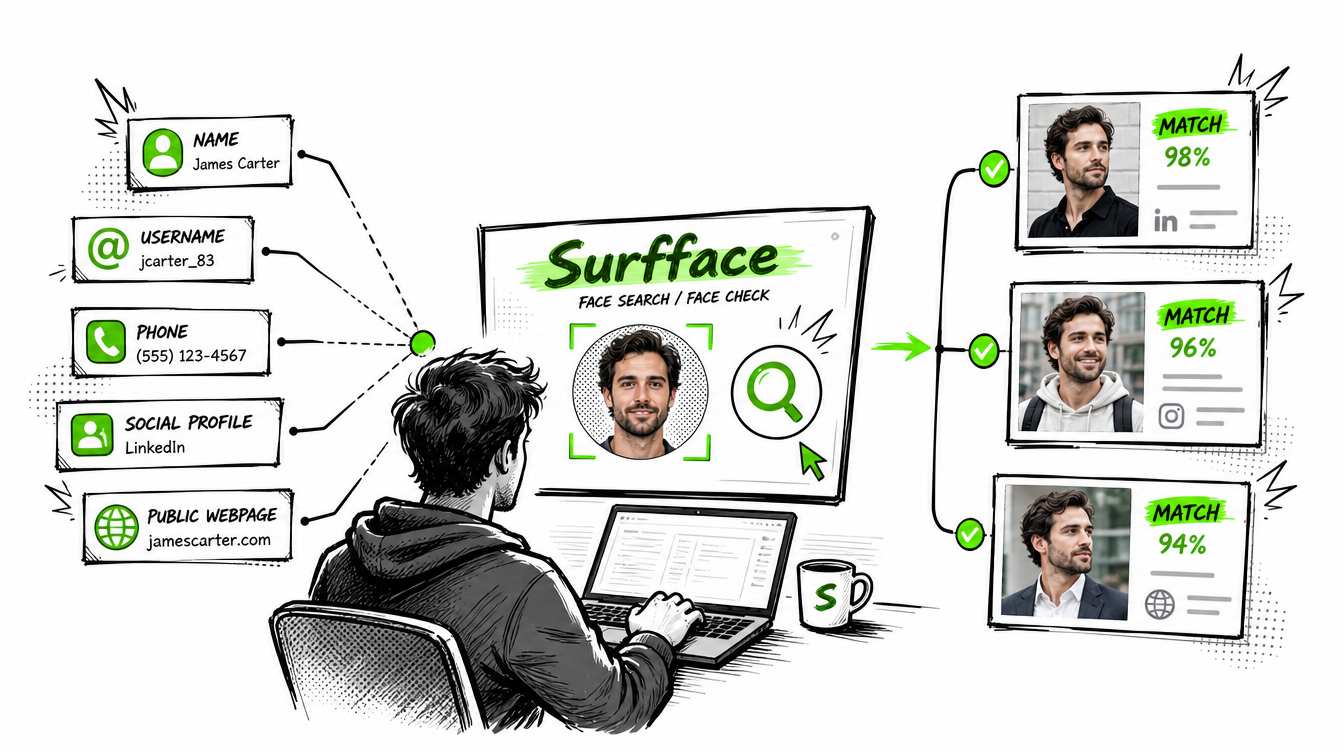
After you upload the photo, Surfface searches across public sources where that face may appear. This may include public social profiles, websites, blogs, news mentions, public images, and other available indexed sources.
Surfface is built for people search by photo, so it can be more useful than a standard image search when the same person appears in different pictures. It is especially strong when checking public social profiles across platforms such as TikTok and Instagram.
Surfface also has dedicated U.S. data pipelines for mugshots, registered sex offender records, and other public-record checks where available. These are not social media accounts, but they can add important context when you are checking someone for safety reasons.
Step 3: Review possible matches
Surfface shows possible face matches before you unlock source details. This matters because not every search is worth paying for.
You can review face thumbnails, similarity signals, and the general quality of possible results first. If the matches look weak or irrelevant, you can stop there. If the results look useful, you can continue.
This makes Surfface practical for users looking to find social media accounts by photo free before deciding whether to unlock more details.
Step 4: Unlock sources if the match looks useful
If Surfface finds a promising match, you can unlock source details with credits. This may include profile links, source pages, public-record context, or other available information depending on the result.
This is useful when you need to confirm whether a profile belongs to the same person, check where a photo appears, review public account context, or compare multiple possible identities.
When should you use social media search by photo?
A social media account finder by photo is useful whenever the photo matters more than the name.
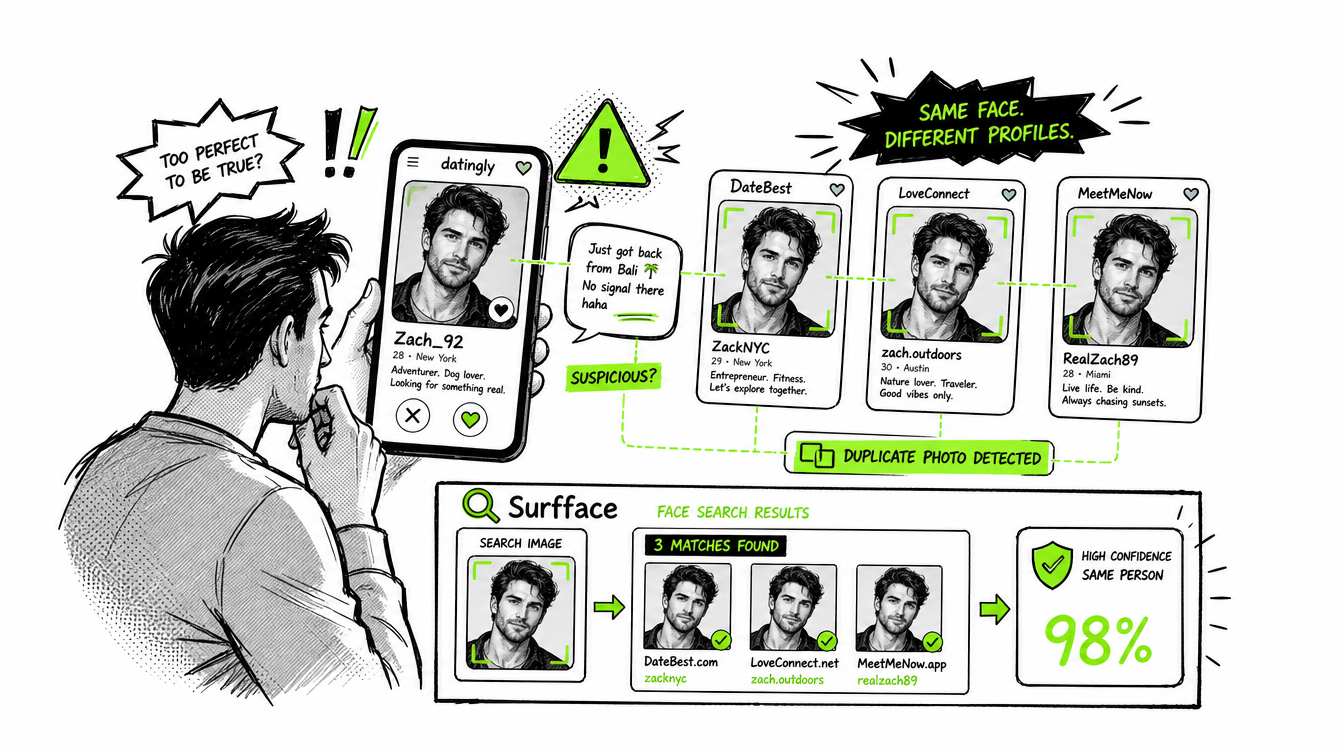
Use it before meeting someone from a dating app. If their name seems vague, their story feels inconsistent, or their profile has only one polished image, a face search can help you check whether the photo appears elsewhere.
Use it when you suspect catfishing. Scammers often reuse stolen images from real people. A social media search by photo can show whether the same face appears under another name or profile.
Use it to check your own photos. Someone may be using your face to create fake profiles, run scams, promote adult content, or damage your reputation. Searching your own image can help you detect early signs of impersonation.
Use it when reconnecting with someone. If you have only an old photo, Surfface may help you find public web results connected to that face today.
Use it when a username search fails. Many people change usernames, use nicknames, or keep different names across platforms. A face can be a better starting point.
Final answer: Can one image reveal their accounts?
One image can reveal public social media accounts if the face appears in indexed public sources. It may show Instagram profiles, TikTok accounts, public websites, old pages, mentions, or other results connected to the same person.
Google Images/Lens, and Yandex Images may help if the exact photo was reused. But if you want a stronger social media account finder by photo, Surfface is built for this specific task.
Upload a clear photo, run a free search, review possible matches, and unlock source details only if the results look useful.
When a name is not enough, run a face search on Surfface.

Stan leads product marketing at Surfface, bringing a mix of experience in OSINT and private investigations, along with expertise in digital marketing and product management.